nonprofits
Grant Reporting Shouldn't Mean Hunting Down Transaction Receipts
Pulling together transaction documentation for grant reports is one of those tasks that takes far longer than it should. CostAllocation Pro lets you download transaction attachments directly from QuickBooks Online — so your grant reporting is faster, cleaner, and a lot less stressful.
Trusted by




nonprofits
The Hidden Time Cost of Grant Transaction Documentation
Ask any nonprofit finance director what they dread most about grant reporting, and transaction documentation is usually near the top of the list. You need receipts, invoices, and backup documentation for grant expenditures — but in most organizations, those attachments live in email inboxes, shared drives, and vendor portals, not neatly organized by grant and transaction date. The result is a reporting process that involves multiple people, multiple systems, and multiple rounds of chasing down documentation that should have been attached at the time of entry. For organizations managing several federal awards simultaneously, this process happens multiple times a year — and it never gets easier when it's done manually.
Powerful Features. Built To Save Time.
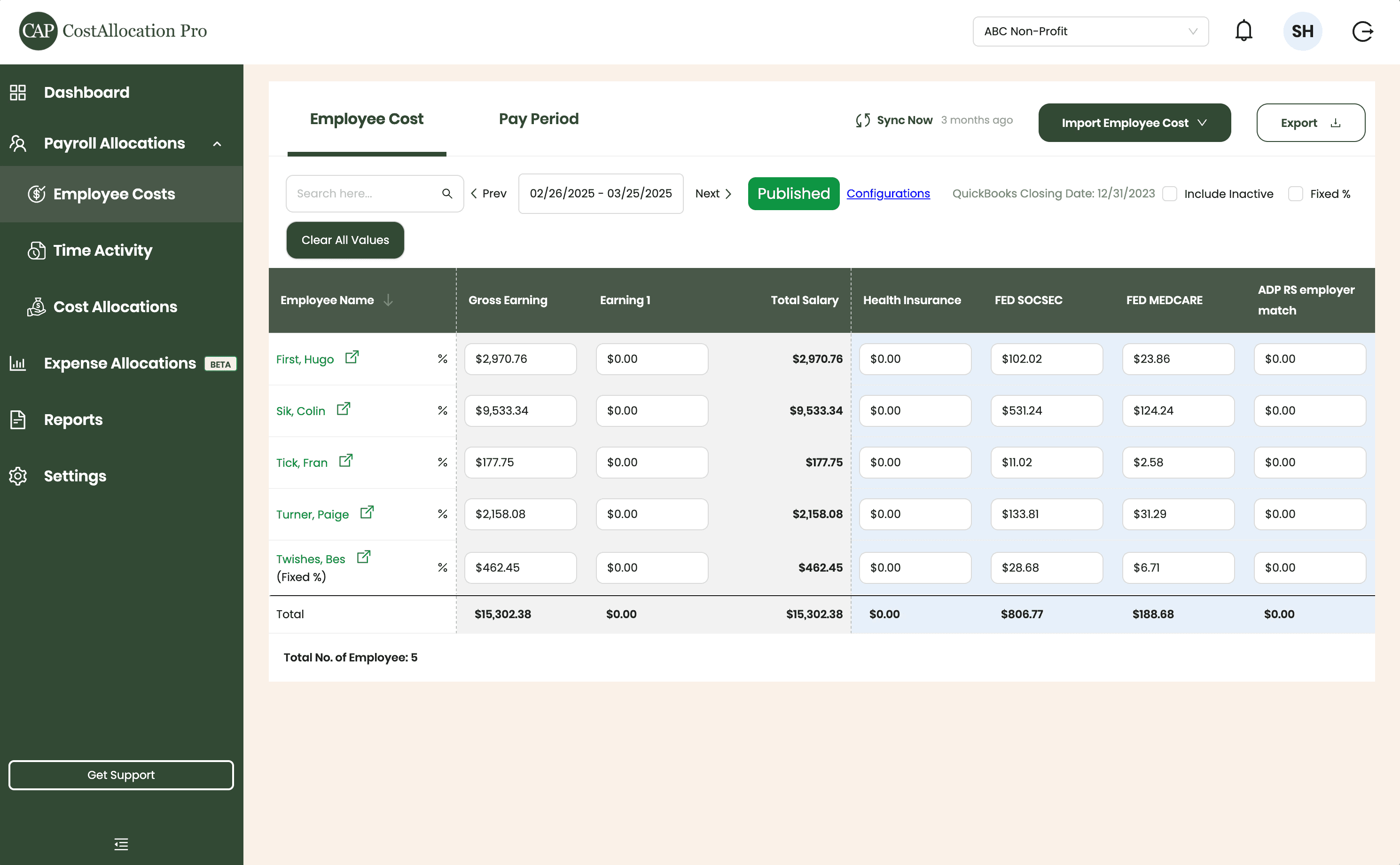
Employee Costs
Easily upload employee cost data from any payroll provider. Just import a .csv file from your payroll report, and we’ll handle the rest.
First, Hugo
$2,970.76
$350.00
$102.02
$23.86
Sik, Colin
$9,533.34
$450.00
$531.24
$124.24
Tick, Fran
$177.75
$500.00
$11.02
$2.58
Turner, Paige
2,158.08
$250.00
$133.81
$31.29
Twishes, Bes
$462.45
$175.00
$28.68
$6.71
Employee Name
Gross Salary
Health Insurance
Social Security
Medicare
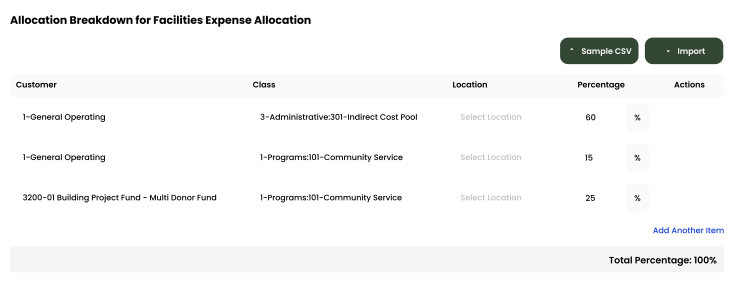
Expense Allocations
Apply your predefined allocation percentages and post to QuickBooks with a single click.
Time Activity
Sync employee time directly from QuickBooks, or import a .csv from any time-tracking system—whichever works best for you.
Employee
Customer
Hours
Turner, Paige
1-General Operating Fund
1:00
Twishes, Bes
GOLD Grant-BG12546347
8:00
First, Hugo
Big Grant
8:00
First, Hugo
Big Grant
4:00
First, Hugo
TN Grant (10/22-9/23)
2:00
Twishes, Bes
Public Health Workforce
Contract-#124578
6:00
Turner, Paige
1-General Operating Fund
1:00
Download Attachments
Filter and select transactions, export their attachments, and download everything neatly organized by vendor—no extra sorting required.
Automate Journal Entries
Import your employee time and CostAllocation Pro automatically calculates payroll allocations, creates the journal entry, and lets you publish directly to QuickBooks Online.

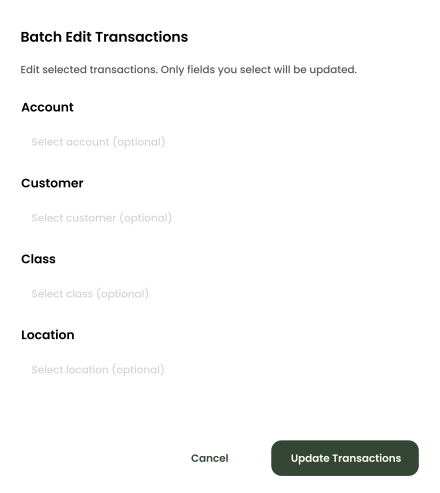
Batch Edit
Use custom filters to quickly find the transactions you need. Select any group of entries to reclassify accounts, customers, classes, or locations—and your updates sync instantly to QuickBooks Online.
nonprofits
Download Transaction Attachments Directly from QuickBooks Online
CostAllocation Pro connects to your QuickBooks Online account and lets you download transaction attachments in bulk — filtered by grant, program, date range, or any combination you need. Instead of clicking through transactions one by one in QuickBooks, you set your parameters and download a complete package of transaction documentation ready for your grant report or audit. Your finance team spends an hour on grant documentation instead of a week.
Transaction Documentation in Minutes
Filter by grant, program, account, or date range and download a complete package of transaction attachments from QuickBooks Online in minutes — organized the way your funder wants to see it.
Find Missing Attachments Before the Auditor Does
CostAllocation Pro shows you which transactions are missing documentation — so you can fill gaps throughout the year rather than discovering them under audit pressure.
Stop Hunting Through Email and Shared Drives
All your transaction attachments live in QuickBooks Online. CostAllocation Pro pulls them out in bulk, organized by vendor so documentation requests don't derail your team.
nonprofits
Grant Documentation That's Ready When Your Funder Asks
Federal grant reporting requirements around documentation are clear: you need to be able to show that grant funds were used for allowable, allocable, and reasonable purposes. That means having clean documentation for every significant transaction charged to a federal award. CostAllocation Pro makes sure that documentation is always at your fingertips. When your program officer requests a financial report, or when your auditor asks for transaction backup, your team can pull a complete, organized documentation package in minutes — not days. That kind of responsiveness builds trust with your funders and makes audit season considerably less painful.
Nonprofit teams spend dozens of hours per grant cycle tracking down transaction documentation that should be instantly accessible — and it doesn't have to be this way.
See how nonprofits are streamlining grant transaction documentation inside QuickBooks Online and saving days on every reporting cycle.
nonprofits
Choose the best Plan that suites you
Monthly
Yearly
Save 20%

Standard
Essential finance tools for budgeting and expense tracking.
$50
$40
/month
Automate Journal Entries
Import Employee Costs from any Payroll Processor
Company Selector for Multiple QuickBooks Online accounts
Email Support
nonprofits
Common questions with Clear answers
What types of attachments can CostAllocation Pro download?
CostAllocation Pro can download any attachment that has been added to a transaction in QuickBooks Online — including receipts, invoices, purchase orders, contracts, and any other documentation your team has attached. The files come out organized by vendor, ready to submit to your funder or auditor.
Can we filter transaction downloads by grant or program?
Yes — you can filter downloads by grant, program, date range, account, or any combination of those criteria. You might pull all transactions for a specific federal award over a quarter, or all transactions for a particular program. The filtering is flexible enough to match whatever your funder or auditor needs to see.
Does this work if our attachments were added by different team members?
Yes. CostAllocation Pro pulls attachments from QuickBooks Online regardless of who added them or when. As long as the attachment is associated with the transaction in QuickBooks, it will be included in your download. This is especially helpful for organizations where program staff and finance staff are both entering transactions.