nonprofits
Make Monthly Expense Allocations the Easiest Part of Your Close
Month-end shouldn't mean a week of manual allocation work. CostAllocation Pro automates your monthly expense allocations inside QuickBooks Online — so your team closes faster, your methodology stays consistent, and your grant reporting takes care of itself.
Trusted by




nonprofits
Why Monthly Expense Allocations Break Down Over Time
Every nonprofit starts with good intentions around expense allocation. You document your methodology, you build a spreadsheet, you assign someone to run it each month. And for a while, it works. Then someone leaves. Or a new grant comes in with different requirements. Or the spreadsheet gets updated in a way that's slightly inconsistent with last quarter. Gradually, the methodology drifts — and by the time you realize it, you've got six months of inconsistent allocations to explain to an auditor. This isn't a people problem. It's a process problem. When your monthly expense allocation depends on a manual spreadsheet and institutional knowledge, it's fragile by design.
Powerful Features. Built To Save Time.
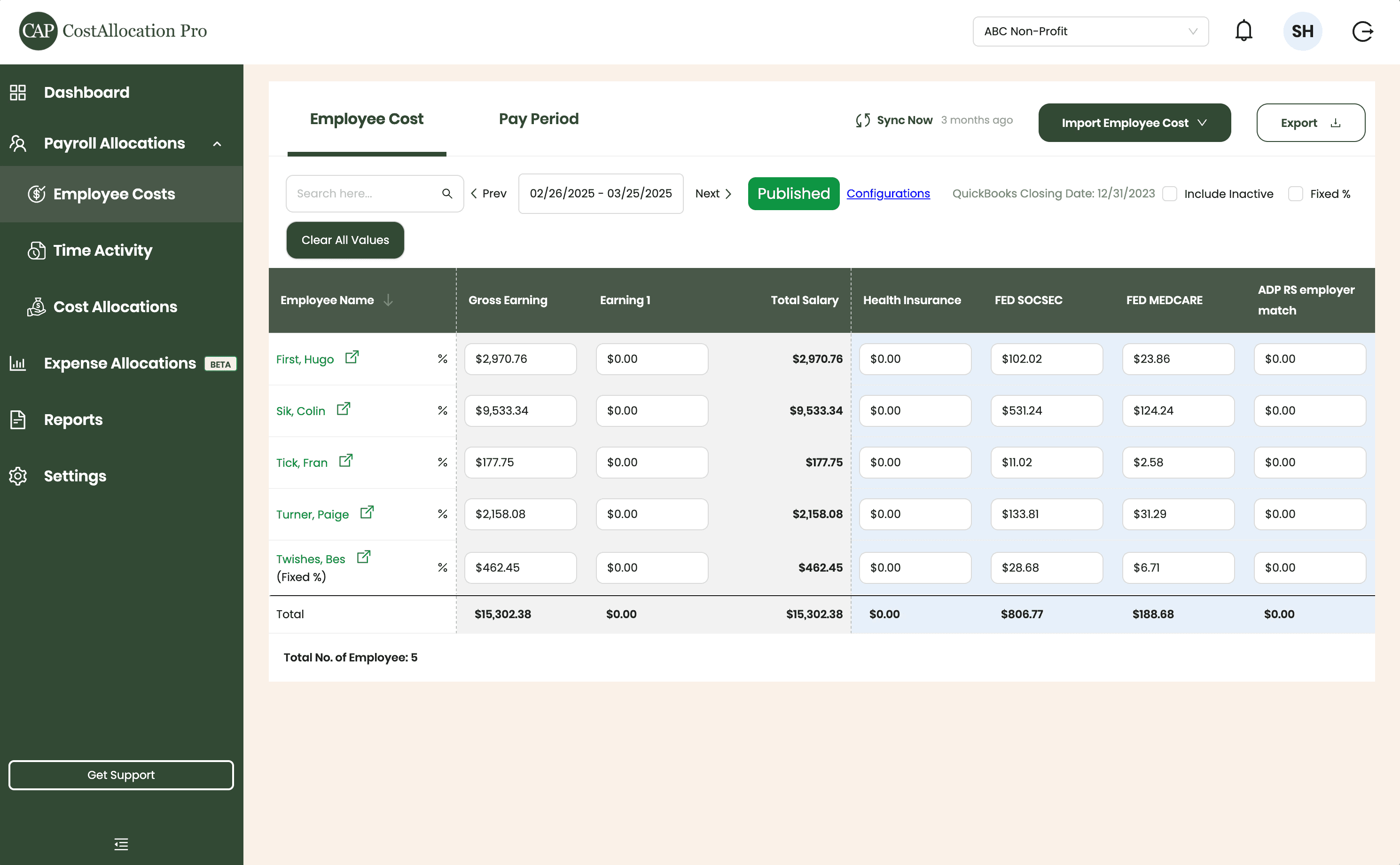
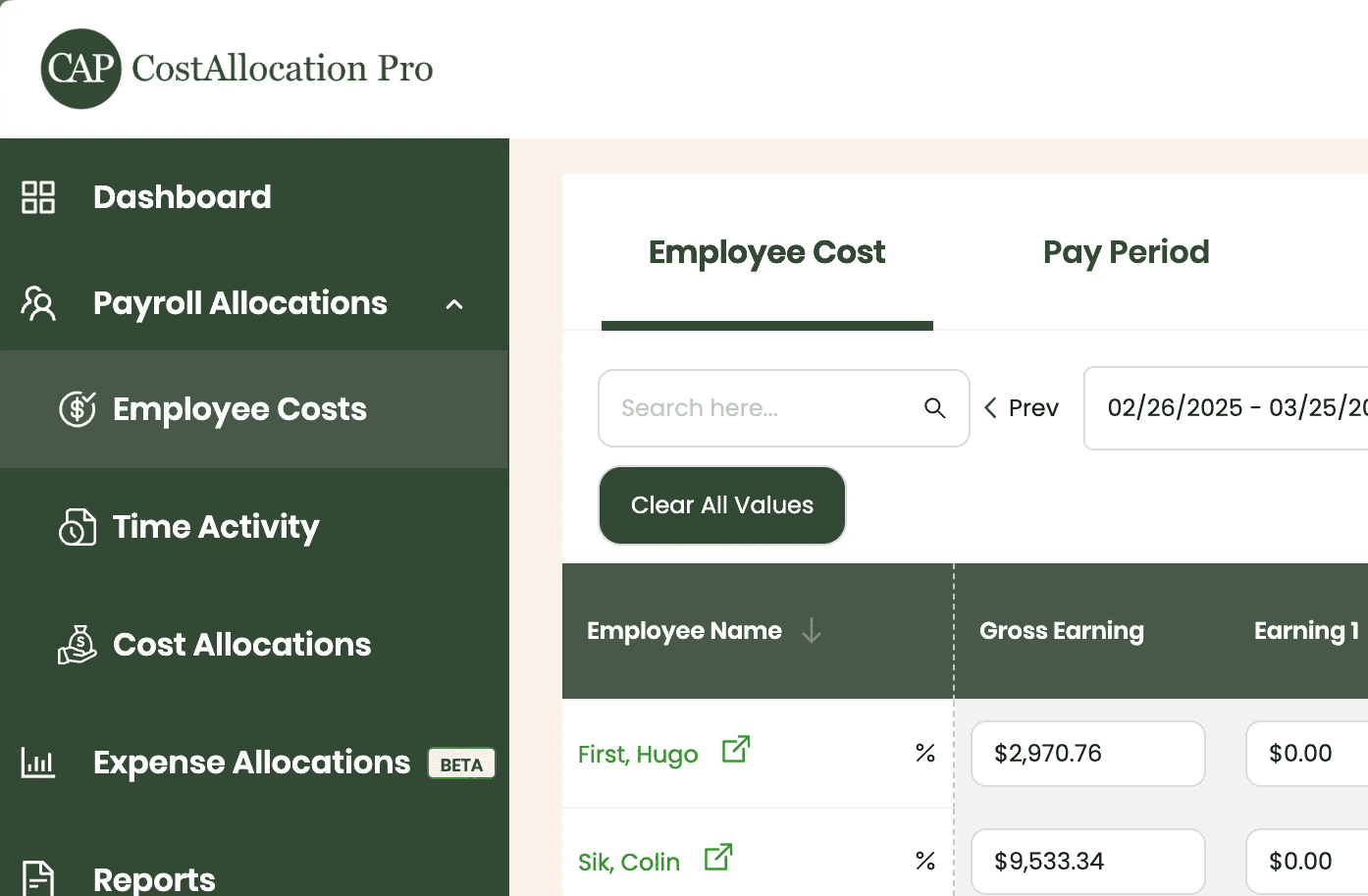
Employee Costs
Easily upload employee cost data from any payroll provider. Just import a .csv file from your payroll report, and we’ll handle the rest.
First, Hugo
$2,970.76
$350.00
$102.02
$23.86
Sik, Colin
$9,533.34
$450.00
$531.24
$124.24
Tick, Fran
$177.75
$500.00
$11.02
$2.58
Turner, Paige
2,158.08
$250.00
$133.81
$31.29
Twishes, Bes
$462.45
$175.00
$28.68
$6.71
Employee Name
Gross Salary
Health Insurance
Social Security
Medicare
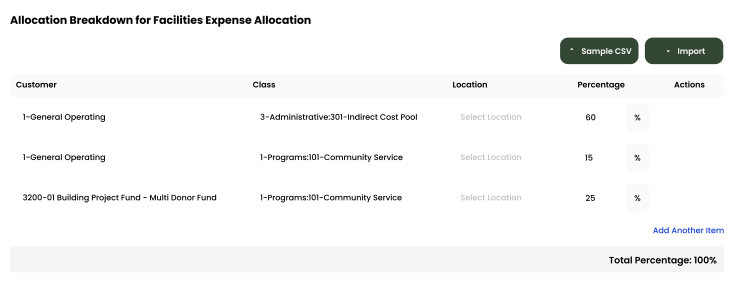
Expense Allocations
Apply your predefined allocation percentages and post to QuickBooks with a single click.
Time Activity
Sync employee time directly from QuickBooks, or import a .csv from any time-tracking system—whichever works best for you.
Employee
Customer
Hours
Turner, Paige
1-General Operating Fund
1:00
Twishes, Bes
GOLD Grant-BG12546347
8:00
First, Hugo
Big Grant
8:00
First, Hugo
Big Grant
4:00
First, Hugo
TN Grant (10/22-9/23)
2:00
Twishes, Bes
Public Health Workforce
Contract-#124578
6:00
Turner, Paige
1-General Operating Fund
1:00
Download Attachments
Filter and select transactions, export their attachments, and download everything neatly organized by vendor—no extra sorting required.
Automate Journal Entries
Import your employee time and CostAllocation Pro automatically calculates payroll allocations, creates the journal entry, and lets you publish directly to QuickBooks Online.

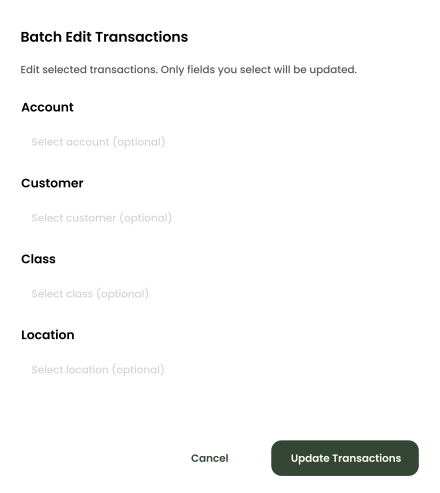
Batch Edit
Use custom filters to quickly find the transactions you need. Select any group of entries to reclassify accounts, customers, classes, or locations—and your updates sync instantly to QuickBooks Online.
nonprofits
A Monthly Allocation Process That Runs Itself
CostAllocation Pro gives your nonprofit a monthly expense allocation process that is automatic, consistent, and integrates directly with QuickBooks Online. You set up your allocation bases — by program, by grant, by cost center — and the software runs the same methodology every month. Shared expenses like rent, utilities, and administrative costs are allocated automatically based on the bases you define — and the whole process takes minutes instead of days.
Same Methodology Every Month
Manual processes drift. Automated ones don't. CostAllocation Pro runs your allocation methodology consistently every month — regardless of who is doing the close or what changed since last month.
Grant Reports That Come Together Quickly
When your monthly allocations are automated and consistent, program expenses are always in the right place. Grant reports pull together in hours instead of days.
No More Month-End Allocation Marathons
Shared costs — rent, utilities, admin — are allocated automatically based on the bases you define. Your team reviews the results, not rebuilds the worksheet.
nonprofits
Consistent Allocations That Support Your Grant Reporting
For nonprofits managing multiple grants, monthly expense allocation isn't just a finance task — it's the foundation of your grant reporting. When allocations are automated and consistent, your grant reports practically write themselves. Every expense is in the right place, every month, with the same methodology applied across all awards. CostAllocation Pro makes sure that your program expenses, shared costs, and indirect charges are allocated correctly every month — so when your program officer asks for a financial report, your team can pull it immediately rather than spending three days reconciling first.
Inconsistent monthly expense allocations are one of the most common sources of nonprofit audit findings — and one of the easiest to prevent with the right process.
See how simple automated monthly expense allocations can be inside QuickBooks Online — and how fast your team can close the books.
nonprofits
Choose the best Plan that suites you
Monthly
Yearly
Save 20%

Standard
Essential finance tools for budgeting and expense tracking.
$50
$40
/month
Automate Journal Entries
Import Employee Costs from any Payroll Processor
Company Selector for Multiple QuickBooks Online accounts
Email Support
nonprofits
Common questions with Clear answers
How does CostAllocation Pro handle expenses that are shared across multiple programs?
Shared expenses are automatically split across programs based on the allocation bases you define — headcount, square footage, direct costs, or a custom rate. You set up the methodology once, and every shared expense is allocated consistently every month. No manual splitting, no formula errors.
Can we run allocations more than once a month if we need to?
Yes — you can run allocations as many times as needed. Some organizations run a preliminary allocation mid-month to check their program balances, then run a final allocation at month-end for reporting. CostAllocation Pro supports however your team prefers to work.
Will this work if we have grants with different fiscal years?
Yes. CostAllocation Pro handles grants and programs with different fiscal years and reporting periods. Each grant's allocations are tracked separately so you can pull accurate financial reports for any award at any point during the year, regardless of your organization's fiscal year.