FROM OUR BLOG
Your Techs Don't Cost What You Pay Them: A Fall Guide to Labor Burden

If you price jobs from the wage, every job is a little more profitable on paper than it is in the bank.
That isn't a pricing problem. It's a data problem. Most construction and trade contractors know their techs' hourly wages by heart. Fewer know what an hour of that tech's time actually costs once payroll taxes, insurance, benefits, and paid time off are added in. Fewer still see that full cost show up on their job reports in QuickBooks Online.
Fall is a good time to fix it. The schedule is starting to slow, next year's pricing is coming up, and the numbers from this year's busy season are fresh. Here's how to work out your real labor cost, and how to make sure it lands on the jobs that used it.
What labor burden includes
Labor burden is everything you pay for an employee beyond their gross wages. The exact list depends on your company, your state, and your benefits, but it usually includes:
Employer payroll taxes. Your share of Social Security and Medicare (7.65% of wages, up to the Social Security wage base), plus federal and state unemployment taxes.
Workers' compensation insurance. Often one of the biggest items for field trades, and it varies widely by job classification and state.
Health insurance and other benefits. The employer-paid share of premiums, dental, vision, life insurance.
Retirement contributions. 401(k) match or other employer contributions.
Paid time off. Vacation, holidays, and sick time. You pay for those hours, but nobody works a job during them.
Some companies also include things like tool allowances, vehicle costs, uniforms, or training. Whether those belong in labor burden or in overhead is a judgment call worth making with your CPA. The important thing is to decide once and apply it consistently.
A worked example
Here's a hypothetical technician. Your numbers will be different. The point is the shape of the math, not the specific figures.
Wages: $30/hour × 2,080 paid hours = $62,400
Labor burden (example figures):
Employer Social Security & Medicare (7.65%): $4,774
Federal and state unemployment: $600
Workers' comp: $3,100
Health insurance, employer share ($650/month): $7,800
401(k) match (3%): $1,872
Total burden: $18,146
Total annual cost: $80,546. That's about 29% on top of wages.
Divide by 2,080 paid hours and you get $38.72 per paid hour.
But paid hours aren't billable hours. Take out vacation, holidays, and sick days. Then take out the time spent driving between calls, at the supply house, in training, or back at the shop. Say this tech logs 1,700 hours that land on a job. Now the real cost is $47.38 per billable hour.
That's the number your pricing should start from. Not $30.
Where most companies lose the burden
Even when a contractor knows their loaded rate, their job cost reports often don't reflect it. Here's the usual reason.
Payroll gets booked in QuickBooks Online as a lump sum from the payroll provider. Gross wages might get split out to jobs, either by hand or through time tracking. But employer taxes, workers' comp, and benefits stay sitting in one big expense account. They show up on the P&L for the company. They don't show up on any job.
The result: job profitability reports that look better than reality, and no clear way to tell which jobs (or which kinds of jobs) are actually making money.
Getting the full cost onto every job
The fix is to allocate the whole labor cost, wages plus burden, to jobs every pay period, based on where people actually worked. A reliable version looks like this:
Track time by job. Every hour a tech works should carry a job (in QBO, usually a Customer or project). Hours that don't belong to a job, like shop time or training, should go somewhere deliberate, such as an overhead class, rather than nowhere.
Bring in the full payroll report, not just wages. Employer taxes and benefits need to come along with gross pay.
Allocate each employee's total cost by their hours. If a tech spent 60% of the pay period on one job, that job gets 60% of their wages and 60% of their burden.
Post it as a journal entry. Debit the jobs, credit the account or class where payroll was originally booked, so the cost moves instead of being counted twice.
Do it every pay period. Small, consistent entries are easy to review. One catch-up entry at year-end isn't.
Done by hand, that's a spreadsheet with a row for every employee and a column for every job, rebuilt each payroll. It works until the crew grows or the job count does.
How CostAllocation Pro handles it
CostAllocation Pro is a standalone app that connects to QuickBooks Online and automates this cycle. Each pay period you:
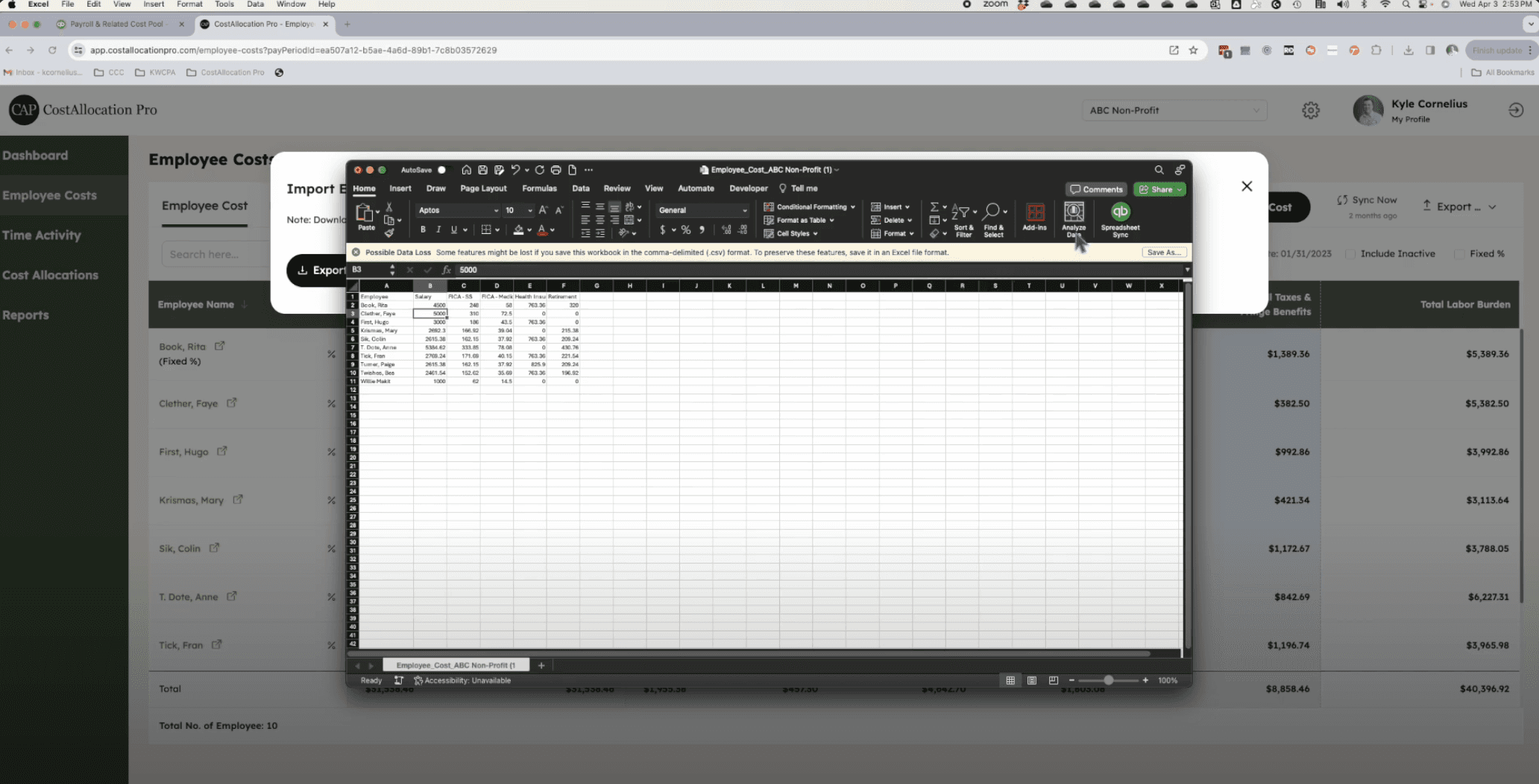
Import your payroll report, with wages, payroll taxes, and fringe benefits, from a CSV or Excel export.
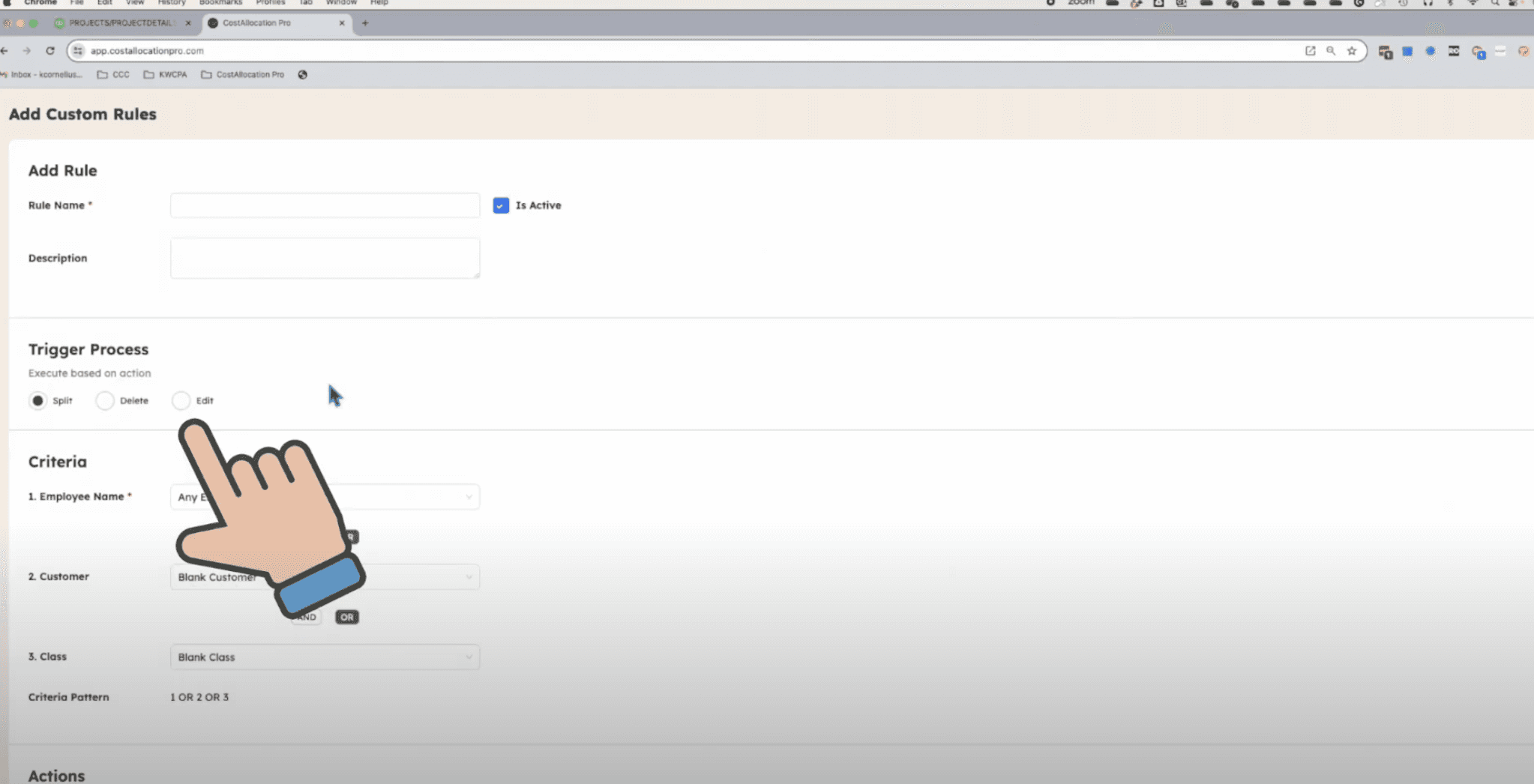
Import time by employee and job, or set fixed percentages for employees whose split doesn't change.
Review the allocation and preview the journal entry line by line.
Post the journal entry to QuickBooks Online. It debits each job for its share of wages and burden and clears the payroll holding class.
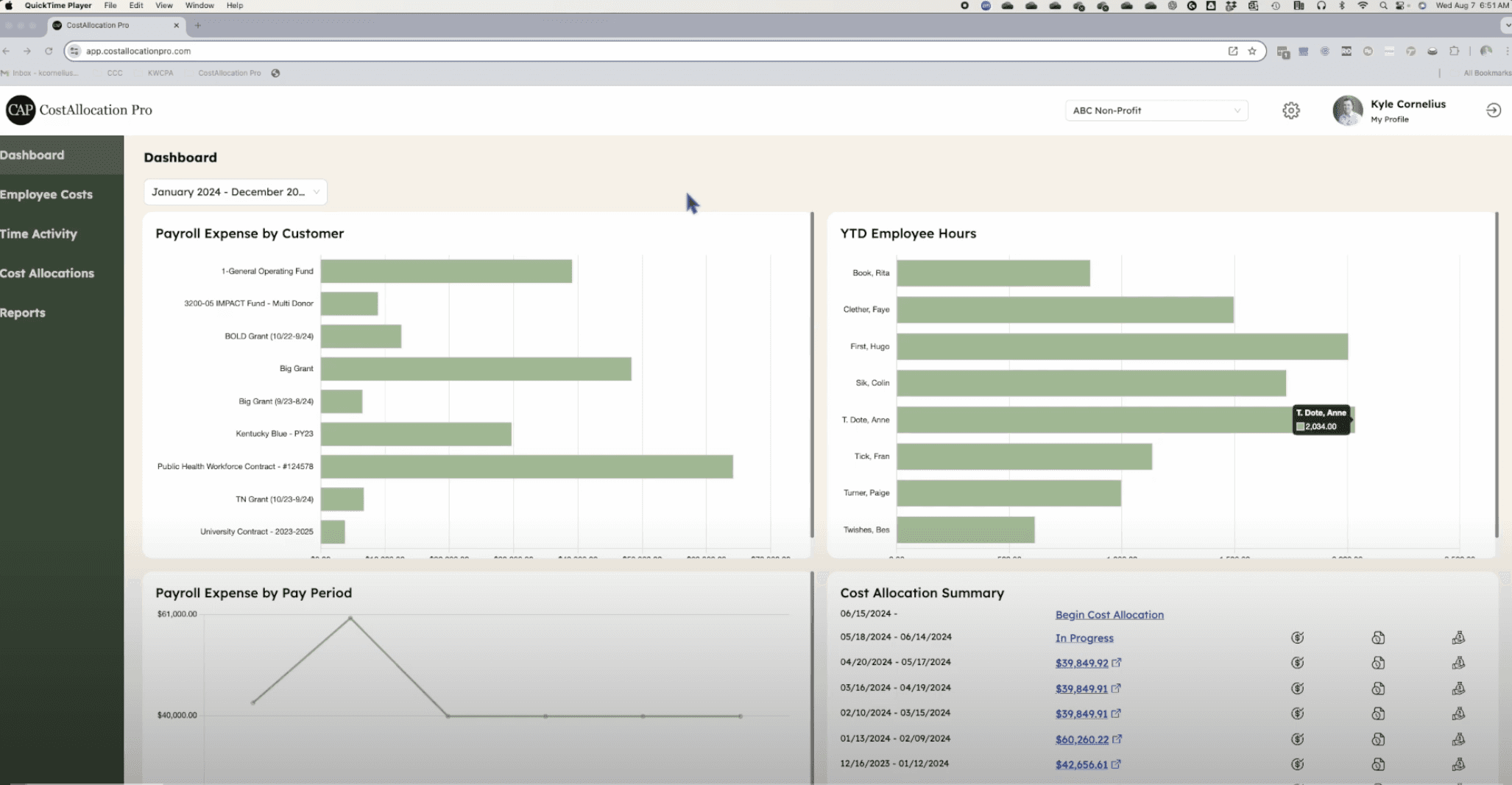
Your job reports in QBO then reflect the full labor cost, not just the wage. If you also apply an overhead or indirect rate, CAP has a setting for that too.
A short fall checklist
Whether or not you use software for this, here's what to do before next year's pricing:
Pull this year's actual burden. Add up employer taxes, workers' comp, benefits, and retirement contributions from payroll, and compare it to gross wages.
Count real billable hours. Look at a few techs' time records and see how many hours actually landed on jobs.
Recalculate your loaded rate per billable hour. Use it as the floor for pricing.
Check your job reports. Pick one finished job and see whether its labor cost includes burden. If it doesn't, your other jobs don't either.
Talk it through with your CPA. Especially on what belongs in burden versus overhead.
If you'd like to see how the allocation side works, start a 14-day free trial or book a demo and we'll walk you through it with your own payroll setup in mind.
This article is educational and isn't tax or accounting advice. Rates, wage bases, and what counts as burden vary by state and company, so confirm the details with your CPA.