FROM OUR BLOG
How to Handle Payroll Allocation Across Multiple Grants (Without Losing Your Weekends)

If you run payroll allocation for a grant-funded nonprofit, you already know the routine: it's fine until it isn't.
A bookkeeper recently described it perfectly in a nonprofit finance community. Her client has 15 active grants and six full-time staff. Every time an employee's split across grants changes — a new award starts, a program winds down, someone's role shifts — someone opens the allocation schedule and updates the percentages. By hand. Again. In her words, it's "becoming difficult and time-consuming."
Fifteen grants. Six staff. One inherited spreadsheet, updated every month or so, forever.
If that sounds familiar, this guide is for you. Not the theory of cost allocation — you already know that. The part nobody writes about: why percentage-based spreadsheet allocations quietly drift, what a reliable version actually looks like, and how to get your payroll journal entry posted to QuickBooks Online without losing a weekend.
Why payroll allocation is the allocation that bites
Office rent gets allocated once a year and mostly forgotten. Payroll is different on every count:
It's your biggest cost. For most grant-funded nonprofits, staff costs dominate the budget — so every allocation error gets amplified across every report.
It changes constantly. Raises, new hires, role shifts, mid-year grant starts and ends. Every change is a manual edit in a spreadsheet system.
It carries fringe. Benefits, taxes, retirement contributions — costs that don't move in step with salary and rarely split the way salary does.
Everyone reports on it. Funders, boards, auditors, your Form 990. Every grant report eventually traces back to those percentages.
So when the percentages live in a spreadsheet, every one of those changes is a manual edit — and every manual edit is a chance to fall behind.
The three ways spreadsheet allocations drift
Drift isn't dramatic. That's the problem. It's months of small, silent errors that surface at the worst possible time: the grant report, the board meeting, the audit.
1. Percentage changes with no dates
In most spreadsheet systems, an allocation change is just a new number where the old number was. There's no effective date, no record of who made the change, and no history of what the percentage was in March when you reported on March.
When an auditor asks how you know a number is right, the honest answer becomes "that's what the sheet said when we did the report." That's a hard sentence to say out loud.
2. Fringe riding the salary split
Here's the quiet one that bites six months later. Many organizations allocate fringe as a flat add-on to the salary split. An employee is 60% Program A / 40% Program B, so fringe follows 60/40 too.
Mid-year, her benefits change — a new plan tier, a match increase, whatever. The share of her total compensation made up by fringe shifts, and every grant total moves with it. But if fringe just rides the salary percentages, nothing tells you. You find out when a grant report doesn't reconcile.
The fix in a spreadsheet is fringe tracked with its own dated rates, per employee — which is exactly the extra work nobody has time for, which is why nobody does it, which is why it drifts.
3. Prior periods that can be reopened
A "quick fix" to last month's numbers is one keystroke in a spreadsheet. But last month may already be in a report your funder received or your board approved. Change history quietly and your books no longer match your reports — the kind of mismatch that turns a routine audit into a finding.
One root cause runs through all three: the allocation instructions and the calculation live in the same cells, with no dates, no approvals, and no locks.
What a reliable system actually looks like
Strip away the software jargon, and a trustworthy payroll allocation system rests on one central idea: separate the instructions from the calculation — and date everything.
In practice, that's a single allocation table recording, for every employee and every grant or program:
the allocation percentage,
the effective start and end dates,
who approved the change.
Your monthly payroll journal then pulls from that table. March uses March's percentages — not whatever the sheet happens to say today. Prior periods stay locked, because the date on the instruction governs, not the cursor. Fringe carries its own dated rates, so benefit changes land where they belong instead of riding the salary split.
And when an auditor asks how you know a number is right? You point to the table: this percentage, effective this date, approved by this person. That's the whole answer.
From table to journal entry — automatically
Here's what that looks like with CostAllocation Pro and QuickBooks Online:
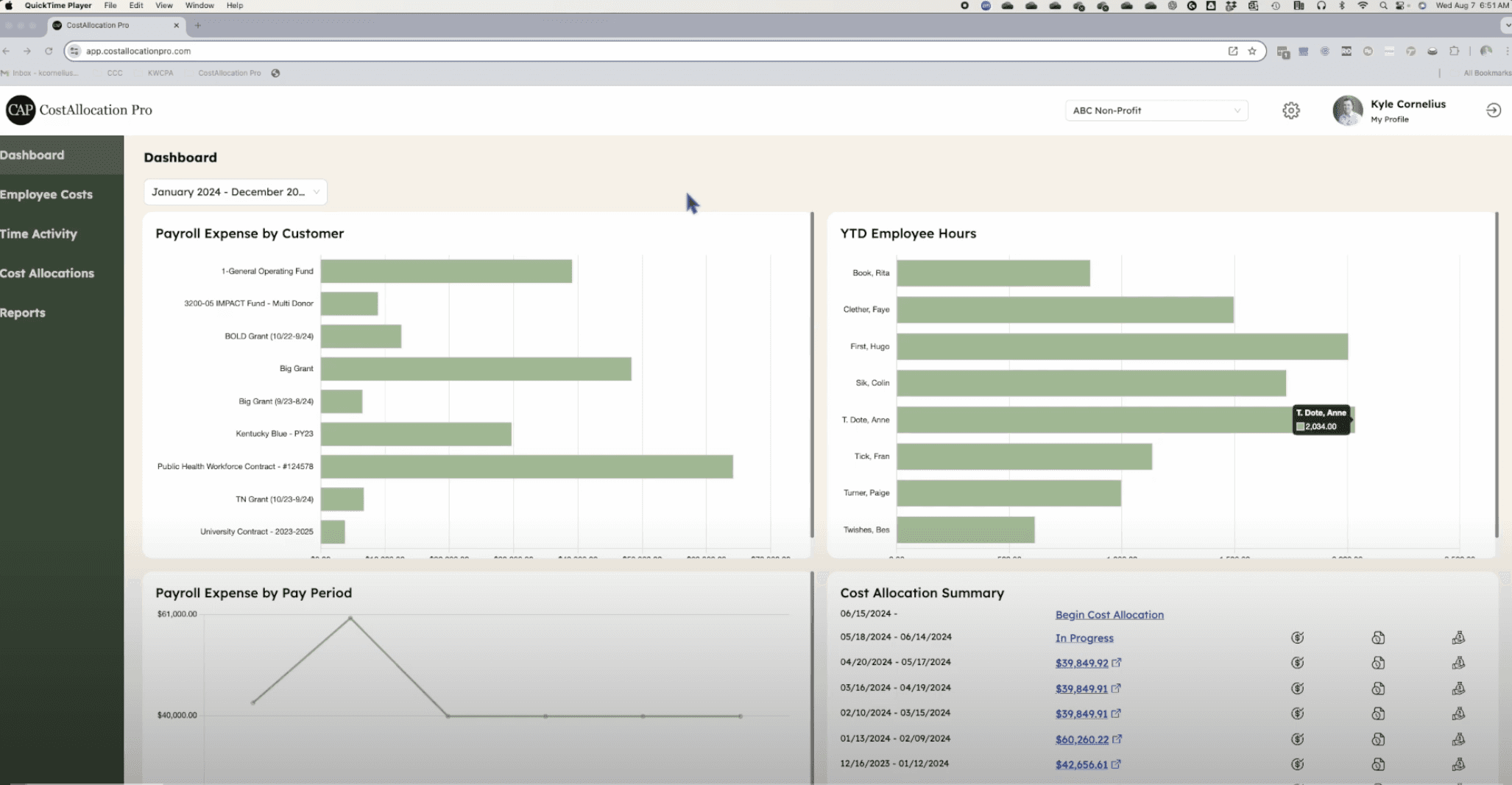
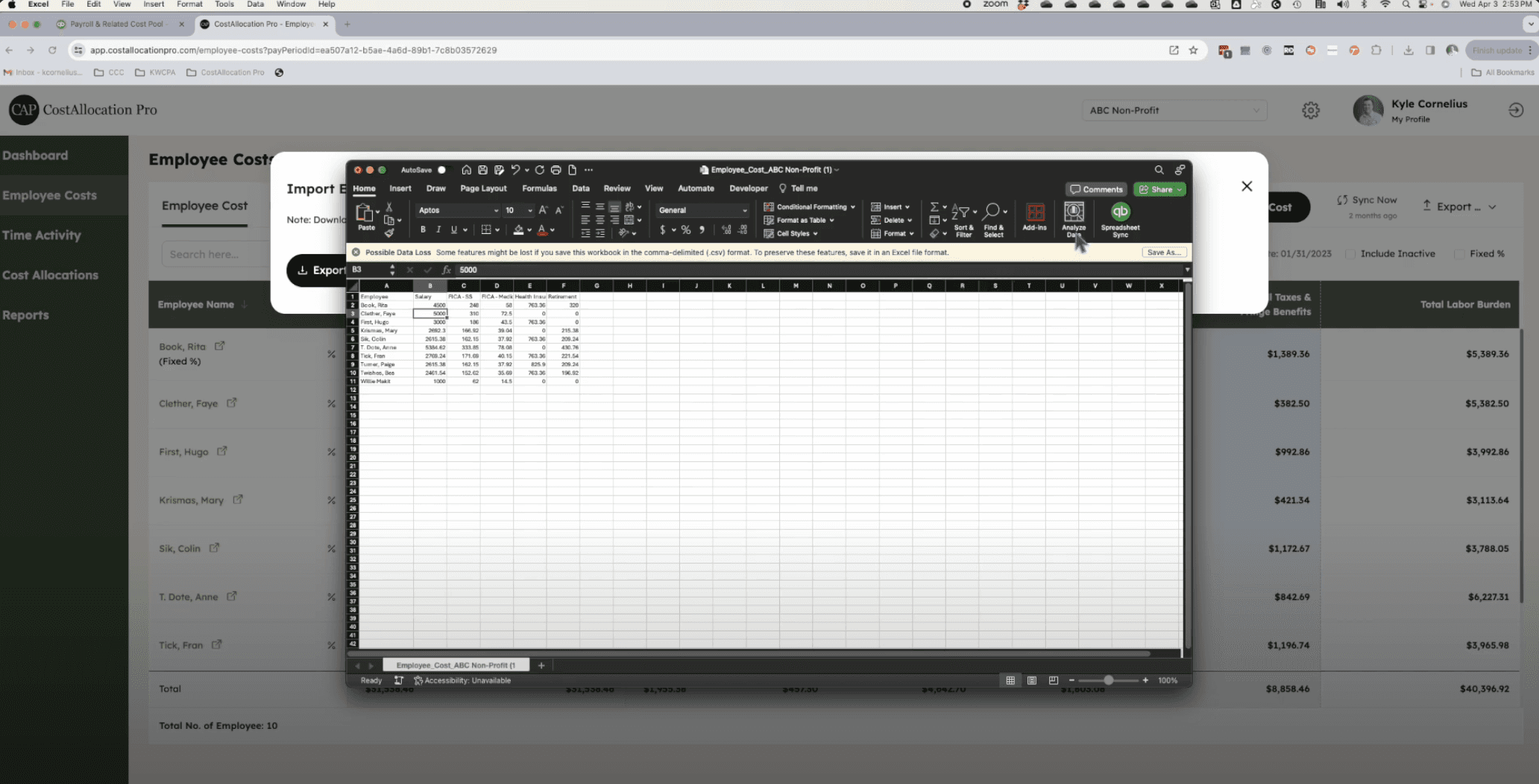
Import your payroll. Pull employee costs in from your payroll processor — we support the major processors, so you're not re-keying anything.
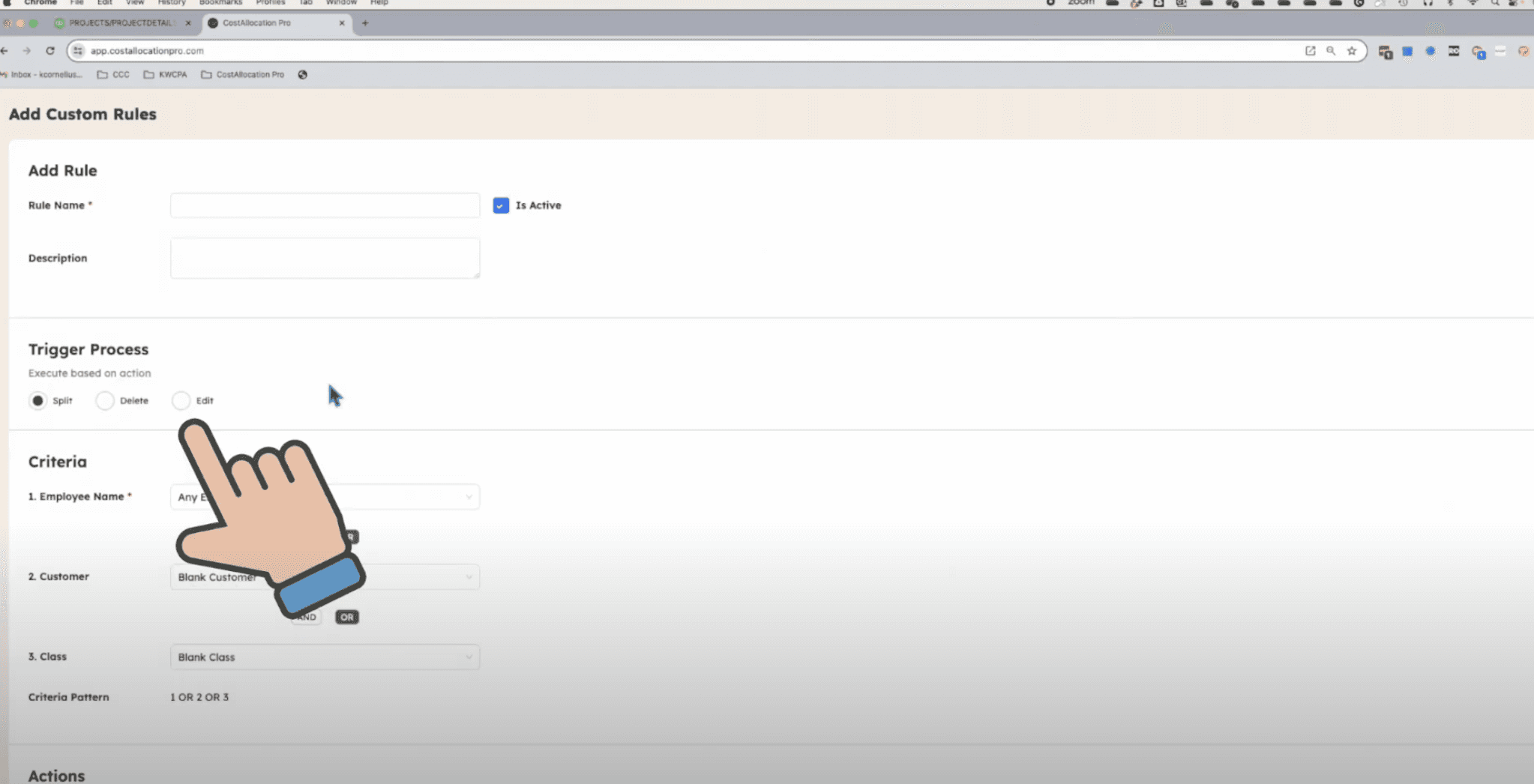
Maintain the allocation table. Employee, grant or program, percentage, effective dates, approver — one dated source of truth.
Map once, post anytime. Custom GL mapping tells each allocation line where it lands in your QuickBooks chart of accounts. When you run payroll, the allocation calculates and the journal entry is created and posted to QuickBooks Online — no retyping, no export-import dance, no spreadsheet bridge.
The weekend you used to spend checking VLOOKUPs becomes a review: look at the entries, approve, done.
"We only need personnel allocations"
The most common objection we hear — usually from smaller organizations — goes like this: "The big fund accounting systems are built for hospitals and universities. We just need to allocate personnel costs. Surely that's not worth new software."
We agree with the first half. You probably don't need a heavy fund accounting platform, a new general ledger, or a six-month implementation. Your books in QuickBooks Online are fine.
But "just personnel allocations" is the whole ballgame — it's your biggest cost, your funder reports, and your audit. A lightweight, QuickBooks-native allocation layer is exactly the right size: it does the dated allocation table, the fringe rates, the GL mapping, and the journal entries. And it leaves everything else exactly where it is.
If you only need personnel allocations, you're not too small for this. You're the organization it's built for.
Your fix-it list for this month
If you're staying in spreadsheets for now, start here:
Add effective dates to every percentage change — and start dating new changes today.
Record who approved each change.
Give fringe its own dated rates, per employee, separate from the salary split.
Lock prior periods. Decide that closed months don't get edited, ever.
Reconcile one grant's payroll totals against its last report. The drift you find will make the case for the four steps above.
Or skip the spreadsheet archaeology: start your 14-day free trial and see your first automated allocation this month. If you'd like company, book a demo — we'll walk you through it.