FROM OUR BLOG
Your WIP Schedule Is Only as Good as Your Labor Costs: A Year-End Guide for Contractors

For most contractors, December means a work-in-progress (WIP) schedule. Your CPA needs it for the year-end statements, your surety wants it with your bonding file, and your lender may ask for it too. It’s also one of the few reports that tells you, job by job, whether the year actually went the way you think it did.
The WIP gets most of the attention for its estimates: cost to complete, change orders, expected margins. But the schedule starts from something more basic, the costs already recorded on each job. And of those costs, labor is usually the one most likely to be in the wrong place.
What a WIP schedule measures
Most contractors who report on percentage of completion use the cost-to-cost method. Under ASC 606, revenue on long-term contracts is typically recognized using an input method based on cost-to-cost progress (KYCPA). In plain terms:
Percent complete = costs incurred to date ÷ total estimated costs for the job
Earned revenue = percent complete × contract amount
Over- or underbilling = billings to date compared with earned revenue. Billing ahead of earned revenue is an overbilling (a liability). Billing behind it is an underbilling (an asset).
Sureties lean on these numbers. CBIZ notes that sureties expect year-end and interim statements to include schedules of open and completed jobs that tie into the balance sheet and income statement, so an underwriter can see gross profit, over- and underbillings, and margin fades (CBIZ). Some sureties ask for statements every six months, and some want them quarterly (James Moore).
Notice what drives the whole calculation: costs to date. If those are wrong, percent complete is wrong, and so is everything that follows from it.
Why labor is the cost to check first
Materials and subcontractor costs usually arrive on an invoice that names a job. Labor works differently. In a lot of companies, the payroll provider books gross wages, employer payroll taxes, and benefits to a few accounts in QuickBooks Online, often in one holding class. Moving that cost onto jobs depends on timesheets, someone’s spreadsheet, and a manual journal entry.
That leaves room for three kinds of problems:
Labor on the wrong job. A crew splits a day between two sites, but the time is coded to one.
Labor that never reaches a job. Wages get spread to jobs, but employer taxes and benefits stay in the holding class as overhead.
Labor in the wrong period. Allocations get caught up in a batch at year-end instead of each month, so earlier WIP schedules and interim statements were built on incomplete numbers.
A worked example
Here’s how much one of those problems can move. These numbers are an example only.
A $1,000,000 contract has total estimated costs of $800,000, which includes labor at its full loaded cost. The books show $400,000 of costs to date. Billings to date are $450,000.
Percent complete: $400,000 ÷ $800,000 = 50%
Earned revenue: 50% × $1,000,000 = $500,000
Billings of $450,000 against $500,000 earned: underbilled $50,000
Now say $40,000 of employer payroll taxes and benefits for this job’s crews never left the payroll holding class. The true costs to date are $440,000.
Percent complete: $440,000 ÷ $800,000 = 55%
Earned revenue: 55% × $1,000,000 = $550,000
Billings of $450,000 against $550,000 earned: underbilled $100,000
The same job, with the same billings, shows $50,000 less earned revenue because $40,000 of labor burden sat in the wrong place. Meanwhile that $40,000 is still on the income statement as overhead, so the total cost is there, but the job-level picture your surety reviews is off.
Misallocation between jobs does something similar, just less visibly. Labor charged to the wrong job pushes that job’s percent complete up and the other job’s down, which moves earned revenue from one to the other. The company total might look fine while two jobs look wrong in opposite directions.
Clean up the labor before you build the WIP
A few habits make the year-end WIP faster to build and easier to defend:
Allocate every pay period, not once a year. Each month’s job costs, and each interim WIP, then rest on actual labor for that month.
Move the full cost of labor. Wages, employer payroll taxes, and benefits should all follow the hours to the job.
Check the holding class. After allocation, the class where payroll first lands should be at or near zero. Whatever is left is labor that isn’t on any job.
Fix split days at the source. If a tech worked two jobs in a day, the time records should say so before payroll is allocated.
Watch the year-end cutoff. The last pay period of the year often runs into January. Confirm with your CPA how December work paid in January should be recorded, so year-end job costs include it.
Tie job labor back to payroll. Total labor allocated to jobs and overhead should match the payroll register for the year.
How CostAllocation Pro fits in
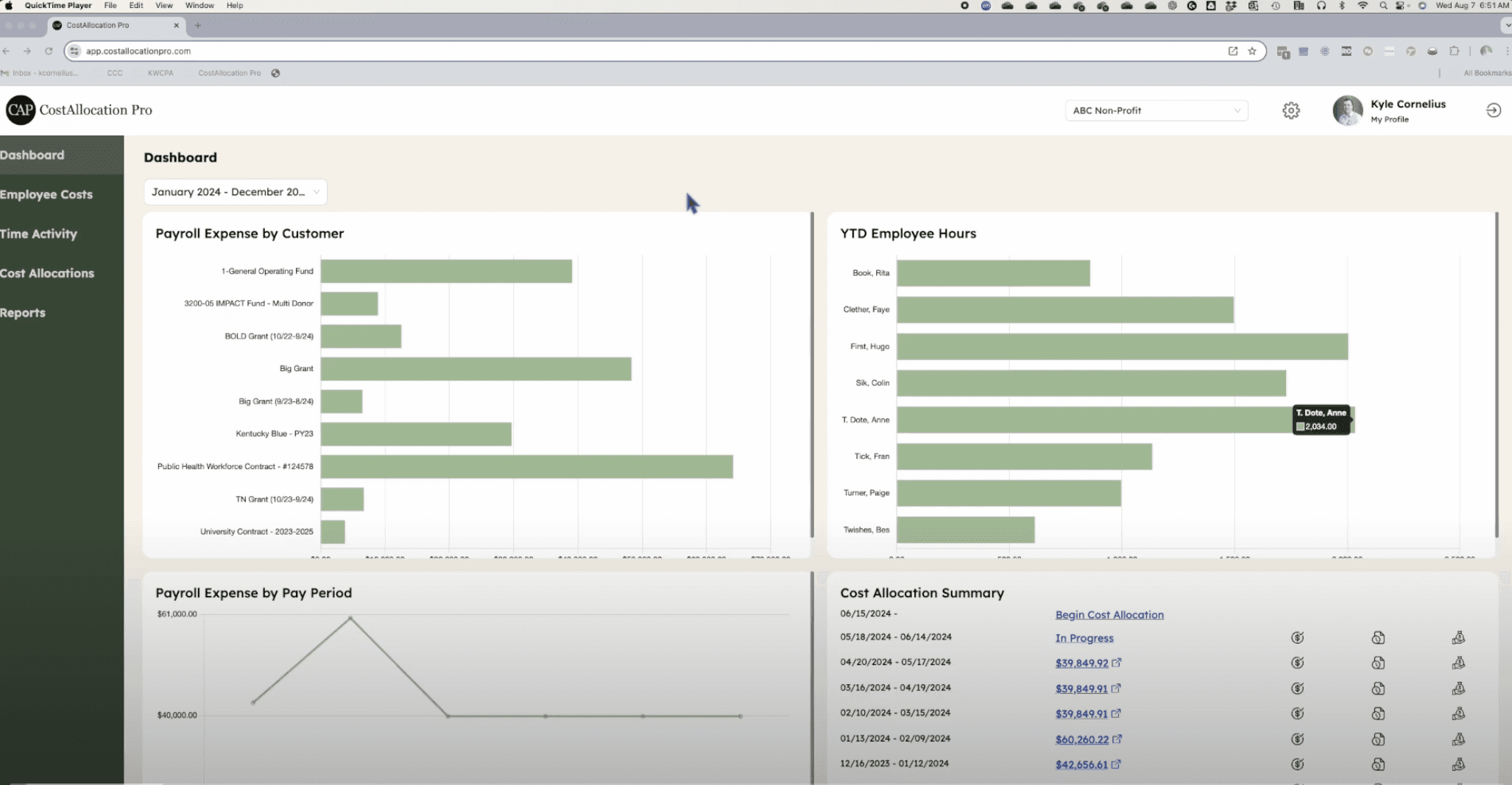
CostAllocation Pro is a standalone app that connects to QuickBooks Online and automates the payroll allocation step that feeds your job costs:
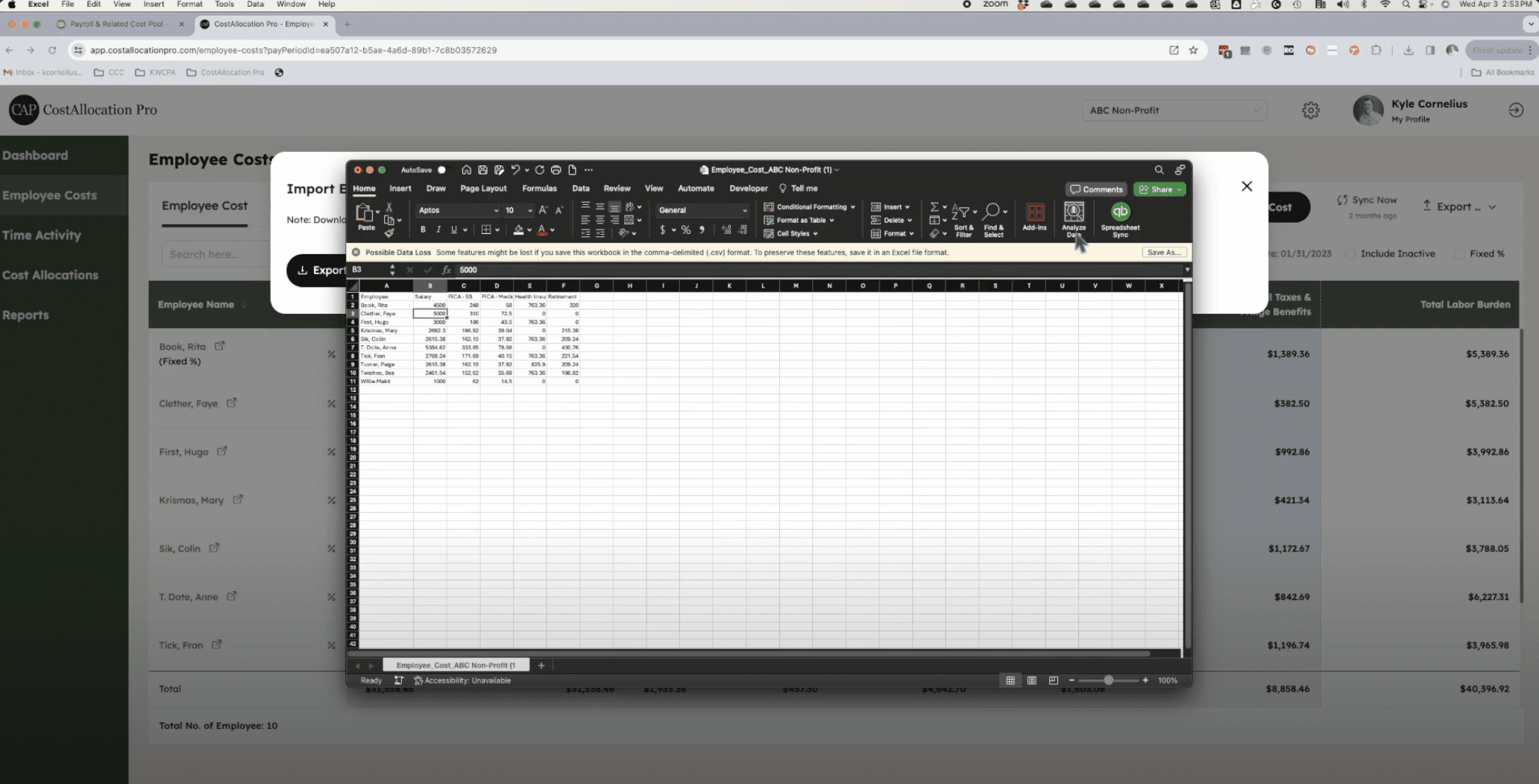
Full labor cost to jobs. Payroll is imported from your payroll report, including employer taxes and fringe benefits, then allocated to your jobs (Customers) and departments (Classes) using imported time or a fixed percentage per employee.
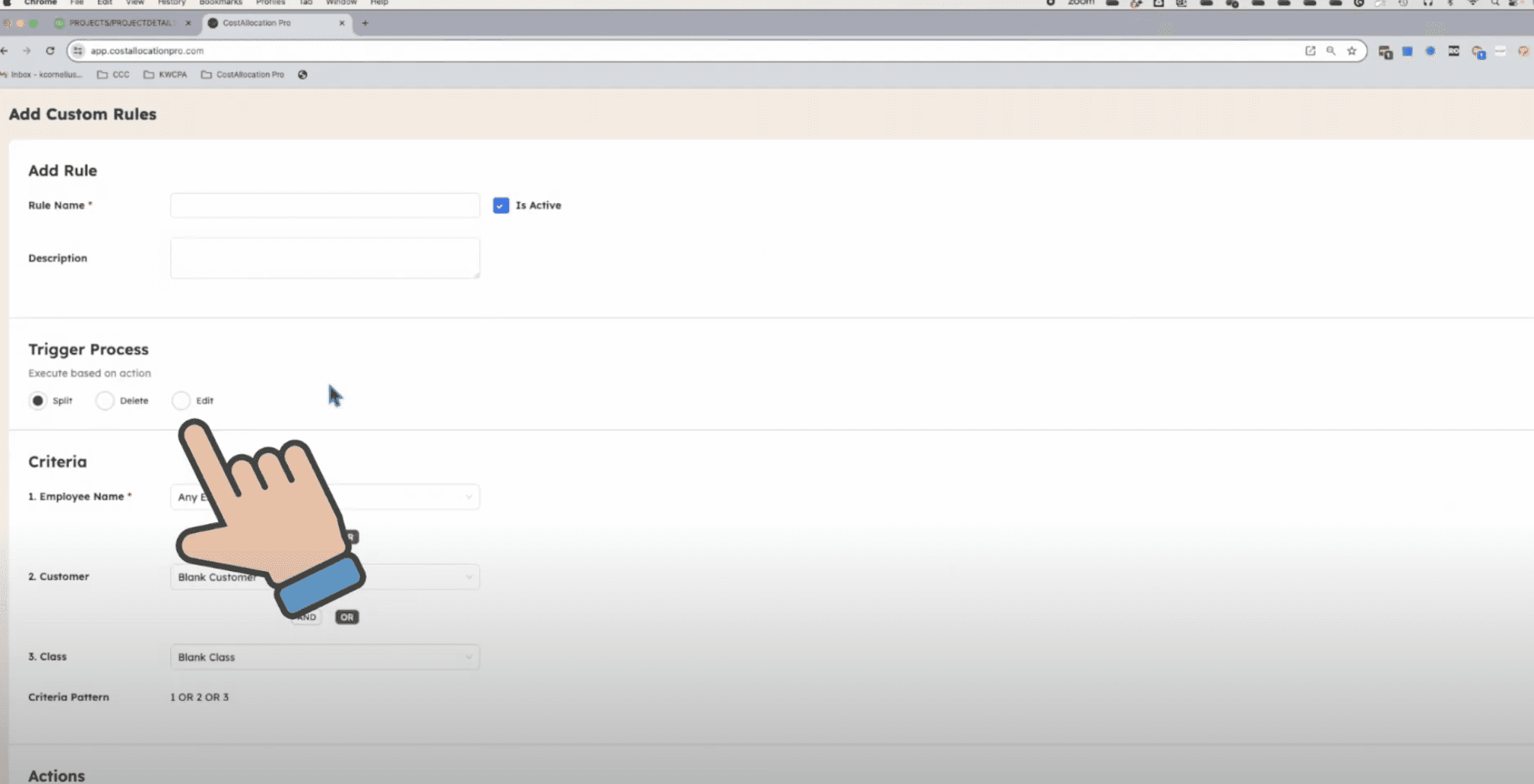
Corrections before the allocation. Imported time entries can be split across two or more jobs, and Time Rules can apply recurring corrections automatically.
A check for missing employees. When you create a timesheet for the pay period, CAP lists anyone who would be left out of the allocation because there’s no time or fixed percentage for them.
Preview, then post. The journal preview shows every debit and credit line by customer and class before anything posts. The entry credits your payroll holding class, so P&L by Class shows whether anything was left behind.
CAP doesn’t build your WIP schedule or estimate costs to complete. It makes sure the labor costs your WIP starts from are on the right jobs, every pay period.
A year-end WIP labor checklist
Confirm every open job exists in QuickBooks Online as a Customer (or however your file tracks jobs), so its labor has somewhere to go.
Run P&L by Class for the year and look at the payroll holding class. Investigate anything left in it.
Compare labor by job with your estimates and look for jobs that are suspiciously light or heavy on labor.
Check that payroll taxes and benefits reached the jobs, not only wages.
Review time coding for the last few pay periods, especially split days and new hires.
Settle the year-end pay period with your CPA before the books close.
Tie total allocated labor to the payroll register for the year.
If you’d like to see how this works with your own QuickBooks Online file, book a demo or start a 14-day free trial.
This article is educational and isn’t accounting, tax, or audit advice. Revenue recognition methods and surety requirements vary, so confirm your approach with your CPA.