Indirect Cost Allocation for Government Contracts
CostAllocation Pro automates labor burden and indirect rate allocations across your contracts and cost objectives — posting compliant journal entries directly to QuickBooks Online.

How it works
Allocating direct labor, fringe, and overhead across multiple contracts manually is time-consuming and creates audit risk when numbers don't reconcile.
Tracking indirect costs against contract budgets in QuickBooks requires complex manual journal entries that are easy to get wrong.
Multi-Contract Cost Tracking
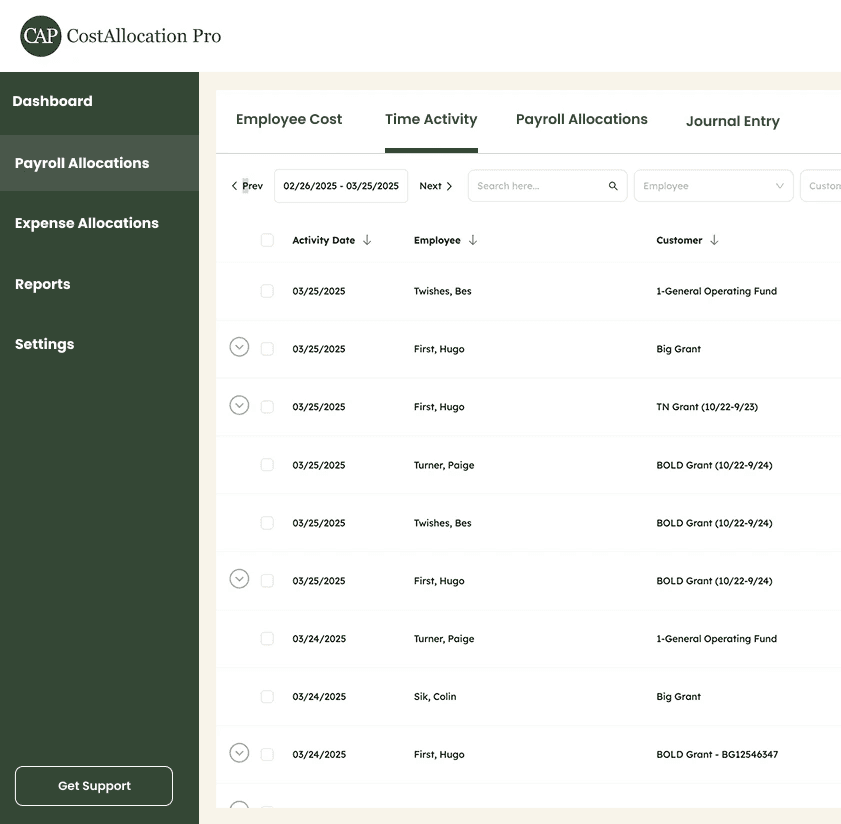
Allocate employee costs across multiple contracts and cost objectives using time data or fixed percentages. Every allocation ties back to a specific contract or CLIN.
Class
1 - Programs
101 - Community Service
102 - Outreach
2 - Fundraising
3 - Admin
301 - Indirect Cost Pool
302 - Indirect Expenses
Indirect Cost Rate Allocations
Apply fringe, overhead, and G&A rates directly on top of direct labor allocations. Capture fully-burdened contract costs in a single automated workflow.
Indirect Cost Rate
10%
Fringe Benefit Rate
15%
Overhead Cost Rate
8.5%
Any Payroll Processor
Import labor cost data from any payroll system via CSV. Works with ADP, Paychex, Gusto, and any other processor your firm uses.




https://costallocationpro.setmore.com/services/55054e16-4ff7-4f06-8577-de07c9710c55




FAQ
Can CostAllocation Pro handle multiple indirect rate pools?
Yes. You can define separate rate pools for fringe, overhead, and G&A, and apply them independently or in combination on top of your direct labor allocations.
How does CAP handle cost allocation across multiple contracts?
Each employee's costs can be split across as many contracts or cost objectives as needed, using either time-based data or predefined allocation percentages.
Does CostAllocation Pro work with QuickBooks classes for contract tracking?
Yes. CAP maps directly to your QuickBooks class structure, so contract-level costs flow into the right GL accounts and classes automatically with each journal entry.
Pricing

