Stop Losing Hours to Grant Allocation Spreadsheets
CostAllocation Pro automates payroll and expense allocations across your grants, programs, and funds — posting directly to QuickBooks Online in minutes, not days.

How it works
Monthly payroll allocations across multiple grants take your team days of manual spreadsheet work — and one formula error can put your funding at risk.
Funders require detailed cost documentation that's nearly impossible to produce quickly when your data lives in disconnected systems.
Grant & Program Cost Tracking
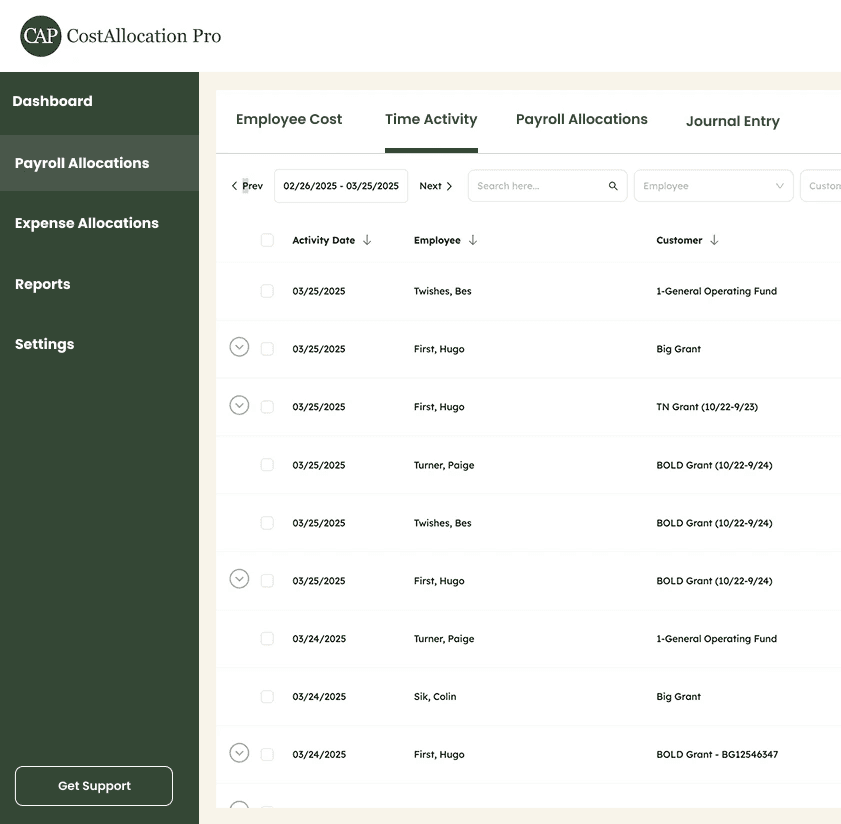
Allocate payroll and overhead costs across unlimited grants, programs, and funds using time data or fixed percentages. Every allocation is auditable and funder-ready.
Class
1 - Programs
101 - Community Service
102 - Outreach
2 - Fundraising
3 - Admin
301 - Indirect Cost Pool
302 - Indirect Expenses
Rate-Based Overhead Allocations
Apply indirect cost rates, fringe benefit rates, and overhead directly on top of payroll allocations — capturing your fully-burdened program costs in one workflow.
Indirect Cost Rate
10%
Fringe Benefit Rate
15%
Overhead Cost Rate
8.5%
Any Payroll Processor
Import employee cost data via CSV from ADP, Gusto, Paychex, or any other payroll system. No integrations to configure — just upload and allocate.








FAQ
Can I allocate costs across multiple grants simultaneously?
Yes. CostAllocation Pro lets you define allocation rules for as many grants, programs, and funds as you need. Each employee's costs can be split across multiple cost centers based on time or fixed percentages.
Will the reports satisfy our federal and state funders?
CostAllocation Pro produces detailed timesheets and allocation reports listing grant names, dates, and hours worked — designed to meet common federal and state documentation requirements.
Do I need to switch payroll processors?
No. CostAllocation Pro works with any payroll provider. Simply export a CSV payroll report from your existing system and import it directly into CAP.
Pricing

