Know Your True Cost Per Job — Automatically
CostAllocation Pro calculates labor burden and posts job cost allocations directly to QuickBooks Online every pay period — so trade contractors always know which jobs are making money.

How it works
Most trade contractors only track direct wages per job, missing the full cost of labor burden — payroll taxes, workers' comp, and benefits that can add 25–40% on top of wages.
Calculating and posting burden allocations manually every pay period is the kind of tedious accounting work that gets skipped when the shop is busy.
True Loaded Labor Cost Per Job
Automatically calculate and allocate wages, payroll taxes, workers' comp, and benefits to each job — giving you your real cost of labor, not just gross wages.
Jobs
Smith Remodel
McMahon Build
Tyler Street Apartments
Hunter Community Center
Willow Branch
Vest Construction
Patterson Remodel
Allocate Across Multiple Jobs Per Employee
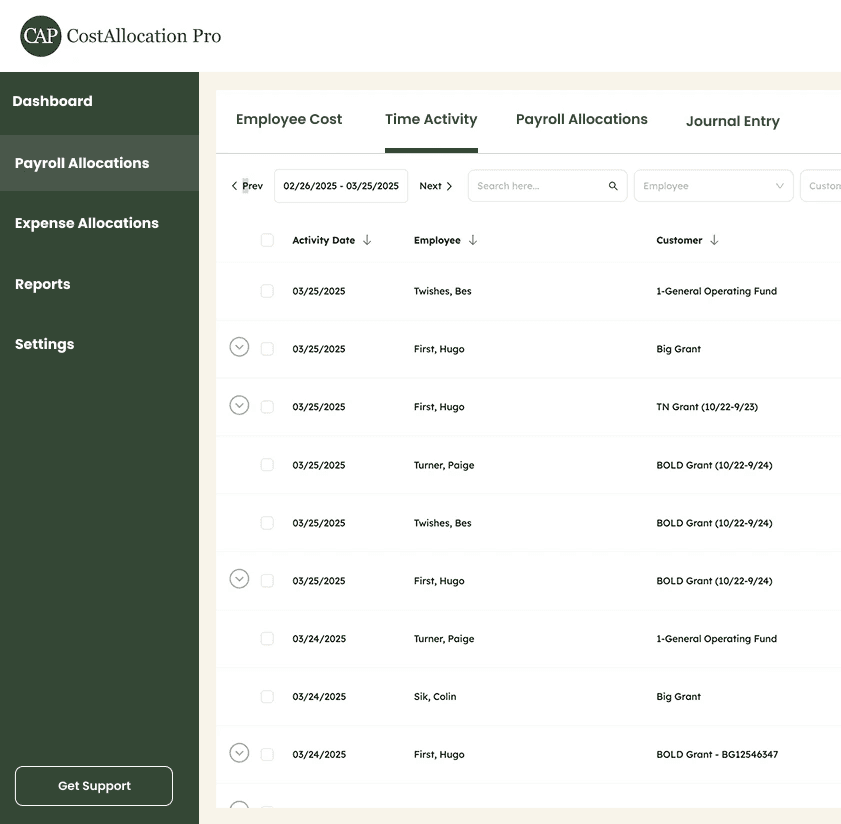
When a technician or crew works across multiple jobs in a pay period, CAP splits their costs accurately using time data or predefined percentages.
Indirect Cost Rate
10%
Fringe Benefit Rate
15%
Overhead Cost Rate
8.5%
Any Payroll Processor
Import payroll data from ServiceTitan, Jobber, ADP, or any other system via CSV. No integrations to configure — upload and allocate in minutes.




https://costallocationpro.setmore.com/services/55054e16-4ff7-4f06-8577-de07c9710c55




FAQ
What labor burden costs can CostAllocation Pro track per job?
CAP can allocate any employee cost category you define — gross wages, employer payroll taxes, workers' compensation, health insurance, retirement contributions, and any other burden costs you track.
Does CAP work with field service management tools like ServiceTitan or Jobber?
CostAllocation Pro accepts CSV imports from any system, including field service management platforms. Export your time and payroll data and import it directly into CAP.
How often should we run allocations?
Most trade contractors run allocations each pay period (weekly or biweekly), which keeps job cost reports current and makes month-end close much faster.
Pricing

