FROM OUR BLOG
Time and Effort Documentation for Grant-Funded Staff: A Practical Guide for Nonprofits

For most nonprofits, salaries are the biggest line on a grant budget. They're also the cost funders and auditors ask about most often. When a grant pays for part of someone's salary, sooner or later someone will want to know how you decided what part.
The answer is usually called time and effort documentation: the records that show where an employee's work actually went, and how their pay was split to match. It doesn't have to be complicated. But it does have to be consistent, and the books have to agree with it.
What the federal rule asks for
For federal awards, the standard is in the Uniform Guidance at 2 CFR 200.430(g), "Standards for Documentation of Personnel Expenses" (eCFR). Its starting point is that salary charges "must be based on records that accurately reflect the work performed." In summary, those records should:
Be backed by internal controls that give reasonable assurance the charges are accurate, allowable, and properly allocated.
Cover the employee's total activity, meaning everything they're paid for, not only the grant-funded part.
Support the split of the employee's pay among specific activities or awards.
Be part of the organization's official records and follow its own written accounting policies.
Two more details matter for most small and mid-sized nonprofits. First, budget estimates alone don't count as support. They can be used for interim charges during the year, but only if the estimates are reasonable, significant changes in someone's work are picked up promptly, and there are periodic after-the-fact reviews with adjustments so the final charge is accurate. Second, for employees who are nonexempt under the Fair Labor Standards Act, the records also need to show the total hours worked each day.
State, local, and private funders set their own terms, and many pass-through awards add requirements of their own. Read your award agreements, and confirm your approach with your auditor.
Three common ways nonprofits document effort
Timesheets coded by grant or program. Staff record hours against the award or program they worked on. The split is calculated from actual hours each pay period. This is the most direct support and the easiest to explain.
Periodic certifications. Some organizations have salaried staff, or the supervisor who knows their work, sign off periodically on how their time was split. How often depends on your written policy and your funders.
Interim estimates plus review. A budgeted percentage is used during the year, then compared with actual activity and adjusted. This is workable, but the review step is the part that makes it hold up.
Many organizations use a mix: timesheets for staff whose work moves between grants, and a steadier split for people whose role doesn't change.
Where documentation usually breaks down
Hours without a grant or program. The timesheet shows 80 hours, but not where they went. The split then comes from memory or the budget.
Counting only grant hours. If someone works 80 hours and only the 40 grant hours are recorded, there's no way to show what share of their pay the grant should carry.
Splits set at award time and never revisited. The budget said 50%, the person has been spending 60% of their time on the grant since spring, and nobody updated the charge.
Allocating once a year. A single year-end entry is hard to tie back to individual pay periods, and grant reports filed during the year won't match it.
Books that don't match the timesheets. The timesheet says 60/30/10. The general ledger says 50/40/10. That gap is the first thing a reviewer will find.
A worked example
Say a program coordinator earns $4,000 in gross pay for a two-week pay period, and the organization pays another $800 in employer payroll taxes and benefits, for a total cost of $4,800. (These numbers are an example only.) Their timesheet shows 80 hours:
County Health Grant: 48 hours, or 60% → $2,880
Family Foundation award: 24 hours, or 30% → $1,440
Management & General: 8 hours, or 10% → $480
Total: 80 hours, 100%, and $4,800. Note that the employer taxes and benefits follow the same percentages as the wages. If the grant budget assumed a 50/40/10 split, the difference is exactly what an after-the-fact review is meant to catch.
In QuickBooks Online, a common setup is to track each grant or funder as a Customer and each program or function as a Class (we cover this in Class vs. Customer for nonprofits). With both fields on the timesheet, one allocation entry can feed both your grant reports and your statement of functional expenses.
Make the books match the records
Good timesheets only help if the general ledger follows them. A few habits keep the two together:
Allocate every pay period, using that period's time records, rather than once at year-end.
Keep the support with the entry. Attach or reference the time summary the split came from, so a reviewer can trace each charge.
Tie out totals. Hours in the allocation should match hours on the timesheets, and dollars should match the payroll register.
Document your review. If you use estimates, note when you compared them with actual activity and what you changed.
How CostAllocation Pro fits in
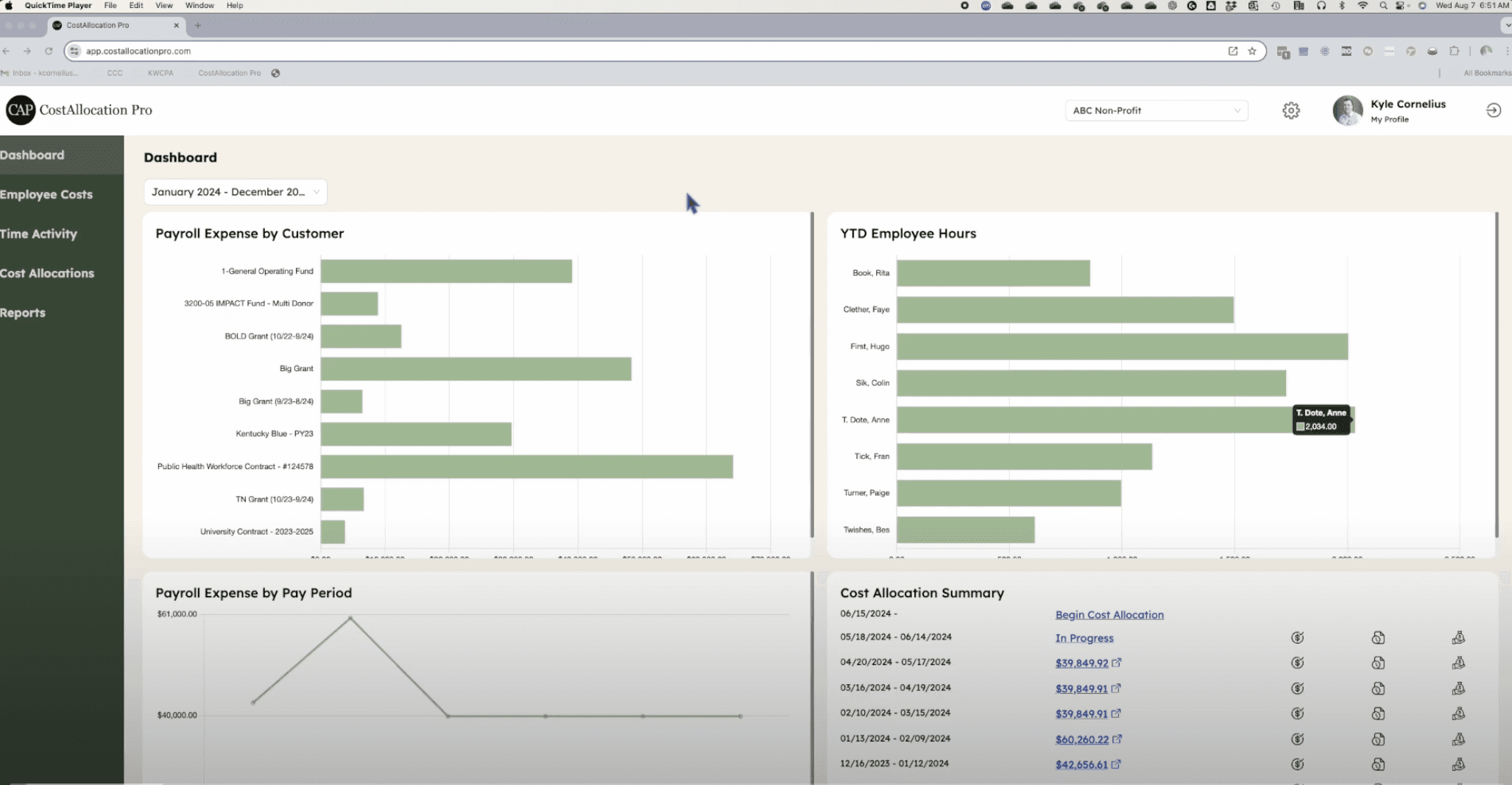
CostAllocation Pro is a standalone app that connects to QuickBooks Online and automates the payroll allocation step:
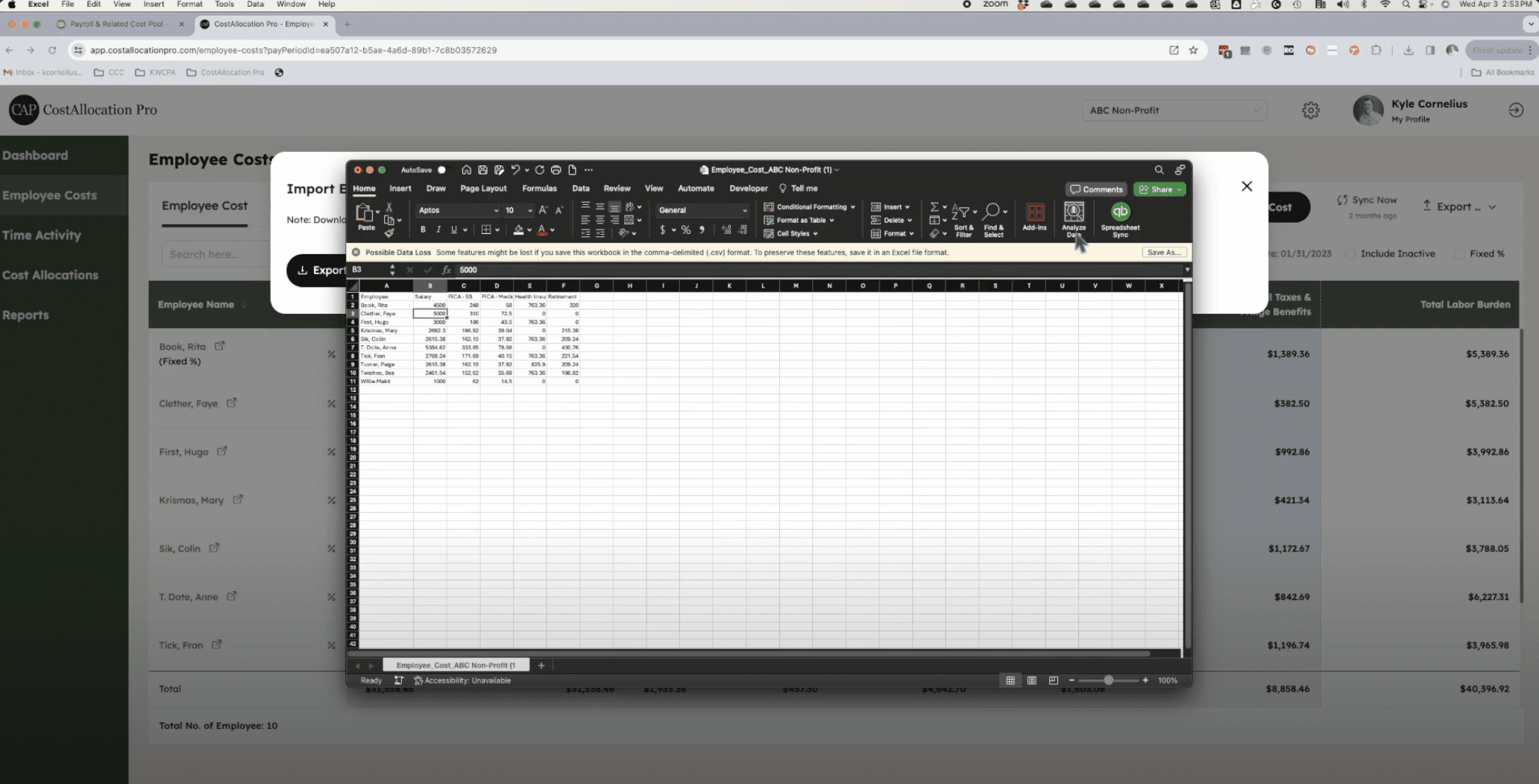
Time-based or fixed % allocation. Import time logs (date, employee, customer, class, and hours) from a CSV or Excel file, and CAP calculates each employee's split from the hours. For staff whose split doesn't change, you can set a fixed percentage instead. If you use fixed percentages for grant-funded staff, review them against actual activity, as described above.
The full cost, not just wages. Payroll is imported from your payroll report, including employer taxes and fringe benefits, so the whole cost follows the split.
A check for missing staff. When you create a timesheet for the pay period, CAP warns you about any employee who would be left out because there's no time or fixed percentage for them.
Preview, then post. The journal preview shows every debit and credit line with its employee, customer, and class before anything posts. The entry's notes list the pay period and the employees covered, and a CSV of the allocation is attached to the journal entry in QuickBooks Online.
CAP doesn't replace your timesheets, your certifications, or your written policy. It makes sure the books follow them the same way every pay period.
A year-end time and effort checklist
List every employee charged to a grant, and the awards each one is charged to.
Confirm each one has records covering all of their paid time, coded by grant or program.
Compare budgeted splits with actual time for the year so far, and adjust where they've drifted.
Check that the general ledger matches the records for a sample of pay periods.
Make sure employer taxes and benefits follow the same split as wages.
Update your written policy if your practice has changed: who records time, how often it's reviewed, and who signs off.
Talk it through with your auditor before fieldwork, especially for any new awards.
If you'd like to see how this works with your own QuickBooks Online file, book a demo or start a 14-day free trial.
This article is educational and isn't accounting, legal, or audit advice. Documentation requirements vary by funder, award, and organization, so confirm your approach with your CPA or auditor.