FROM OUR BLOG
One Process, Every Client: A Year-End Payroll Allocation Review for Accounting Firms

If your firm runs payroll allocation for more than a handful of clients, you probably have as many methods as you have clients. One client splits salaries by timesheets. Another uses percentages that were set a few years ago and never revisited. A third has a payroll holding class that never quite clears.
None of that is wrong on its own. The trouble is that every review starts from scratch. Before anyone can check the numbers, they have to rebuild how that client's allocation is supposed to work.
Q4 is a good time to fix that. You're already having year-end planning conversations with clients, the busy season hasn't started, and January brings new grants, new jobs, new contracts, and new payroll rates. Here's a practical review your team can run client by client.
Why allocation drifts from client to client
Payroll allocation usually starts as a one-off. Someone builds a spreadsheet for a client who needs grant reporting or job costing, it works, and it becomes "how we do it for them." Then the next client gets their own version. Over time:
The method lives in one person's head, or in a spreadsheet tab only they understand.
Fixed percentages stay fixed long after people's roles change.
New employees, jobs, or grants get added inconsistently, or not at all, until something doesn't tie.
Reviewers check totals but can't easily check the logic.
The fix isn't one method for every client. A nonprofit and a mechanical contractor really do need different setups. The fix is one way of documenting and reviewing the method, so any preparer or reviewer on your team can pick up any client.
Write down each client's allocation setup
A one-page setup note per client covers most of it. For each client, record:
Payroll source. Which provider and which report you pull each period, and how often payroll runs.
Where gross payroll lands. The account and class in QuickBooks Online where payroll is booked before allocation. This is the holding pool the allocation entry should clear.
What Customer and Class mean in this file. For a nonprofit, Class is often the program or function and Customer is the grant or funder (more on that setup). For a contractor, Customer is usually the job. Write it down, because it's different for every client.
Allocation method by employee. Who is allocated by time records and who by a fixed percentage, and when the fixed splits were last reviewed.
What's in scope. Wages only, or wages plus employer payroll taxes and benefits. For job costing and grant reporting, the full cost usually matters.
Who prepares, who reviews, and when. Every pay period, or monthly, and the posting deadline.
It feels like overhead the first time. After that, onboarding a new staff member onto a client, or covering for someone on vacation, takes minutes instead of a day.
Five checks before every entry posts
Once the setup is written down, the review can be the same for every client:
Totals tie out. Wages, employer taxes, and benefits in the allocation match the payroll register for the period.
Nobody's missing. Every employee on the payroll has time logged or a fixed percentage set for the period. New hires are the usual gap.
Splits still fit. Fixed percentages still match what people actually do. Roles drift over a year.
Spot-check the lines. Follow two or three employees through the journal entry, line by line, to the right Customer, Class, and account.
The pool clears. After the entry posts, the payroll holding class should be back at zero. Anything left isn't on any job, grant, or program report.
None of these take long. Running all five every period, for every client, is what catches problems while they're small.
Plan for 2027 before the first payroll of the year
A few things change at the turn of the year, and allocation setups often don't keep up:
Payroll tax rates and wage bases. The Social Security Administration has announced that the 2027 Social Security wage base will be $192,300, up from $184,500 in 2026 (Journal of Accountancy). If a client's job costing or grant budget relies on an estimated burden percentage rather than actual payroll costs, refresh it.
Benefit renewals. Health insurance premiums and retirement match terms often change on January 1.
New jobs, grants, and contracts. Make sure each one exists as a Customer (or Class) in QuickBooks Online before time starts landing on it.
Role changes. Use the planning meeting to ask the client who changed roles this year, and update fixed splits to match.
How CostAllocation Pro fits in
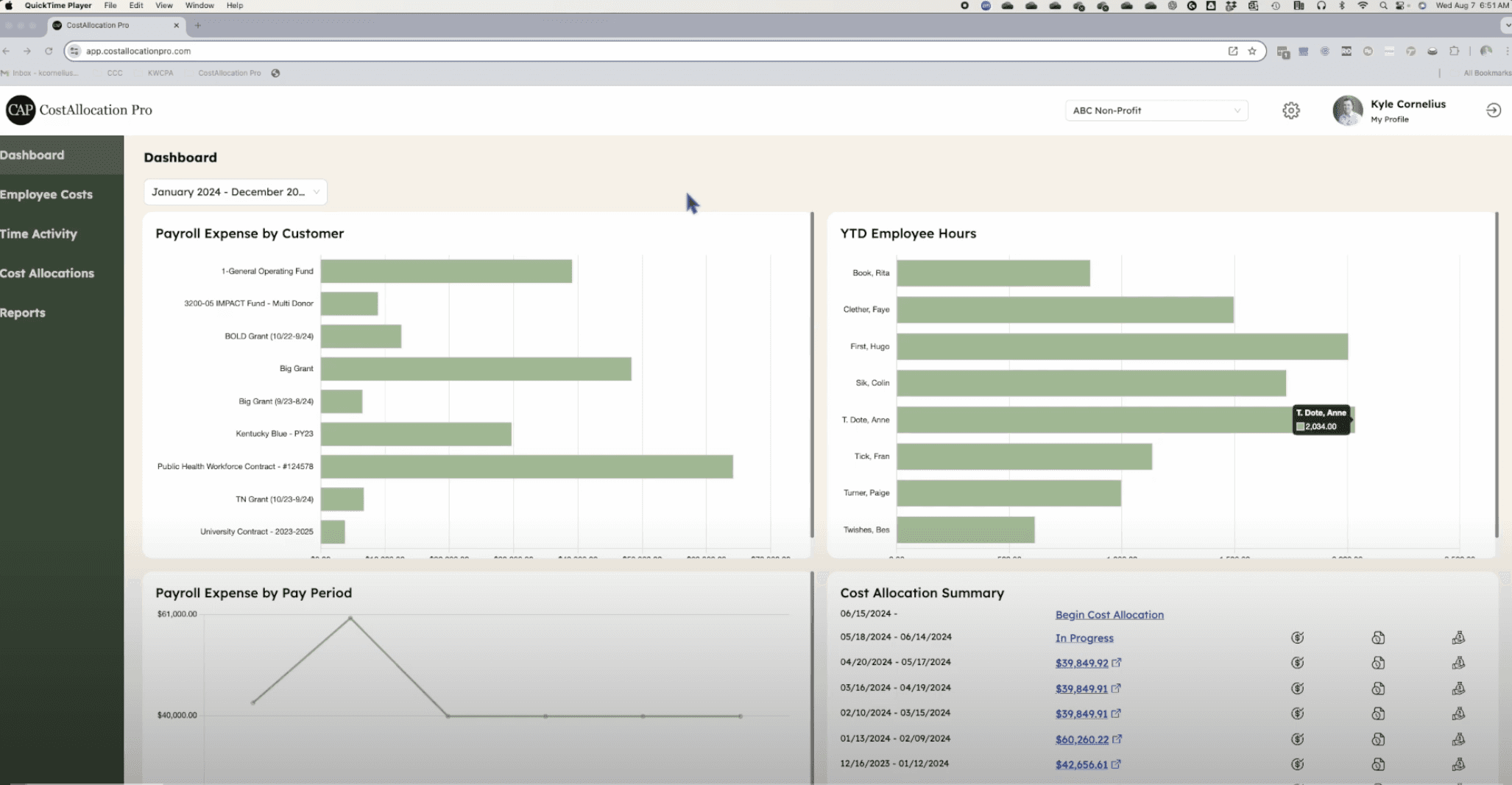
CostAllocation Pro is a standalone app that connects to a client's QuickBooks Online company and automates the allocation step. Your firm can sign in with one account and switch between client companies from a dropdown, so the whole client list lives in one place. Pricing is $50/month per QuickBooks Online company. For each client, CAP works with the Customers and Classes already in that client's file.
Several parts of the setup note above map directly to settings you configure once per company:
Default Mapping records where payroll is booked (the payroll expense pool) and which GL accounts each payroll category uses.
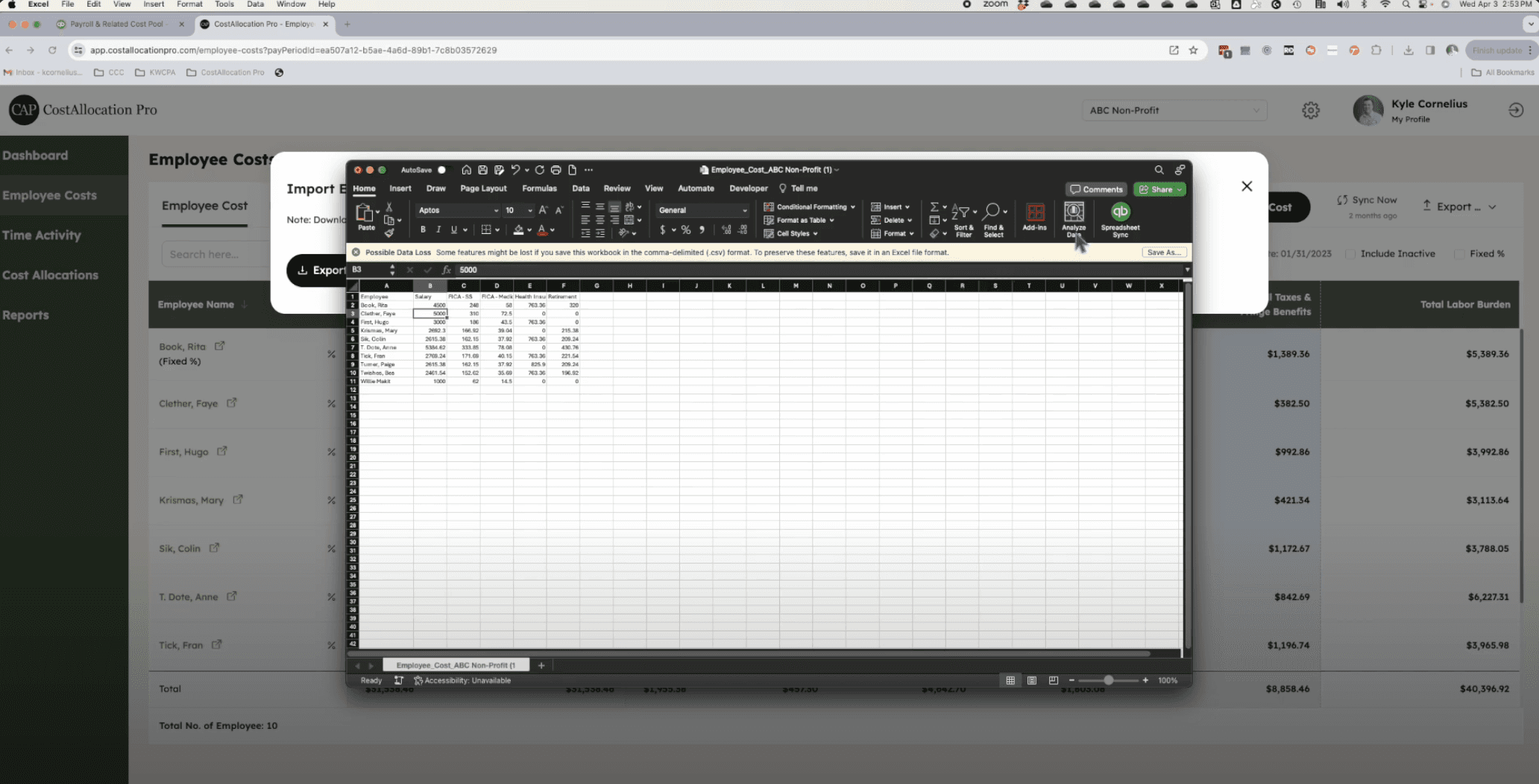
Smart Import can read a payroll report as-is and save the column mapping as a template, so the same provider's report maps the same way every period.
Fixed percentages and time-based allocation can both be used across different employees in the same pay period.
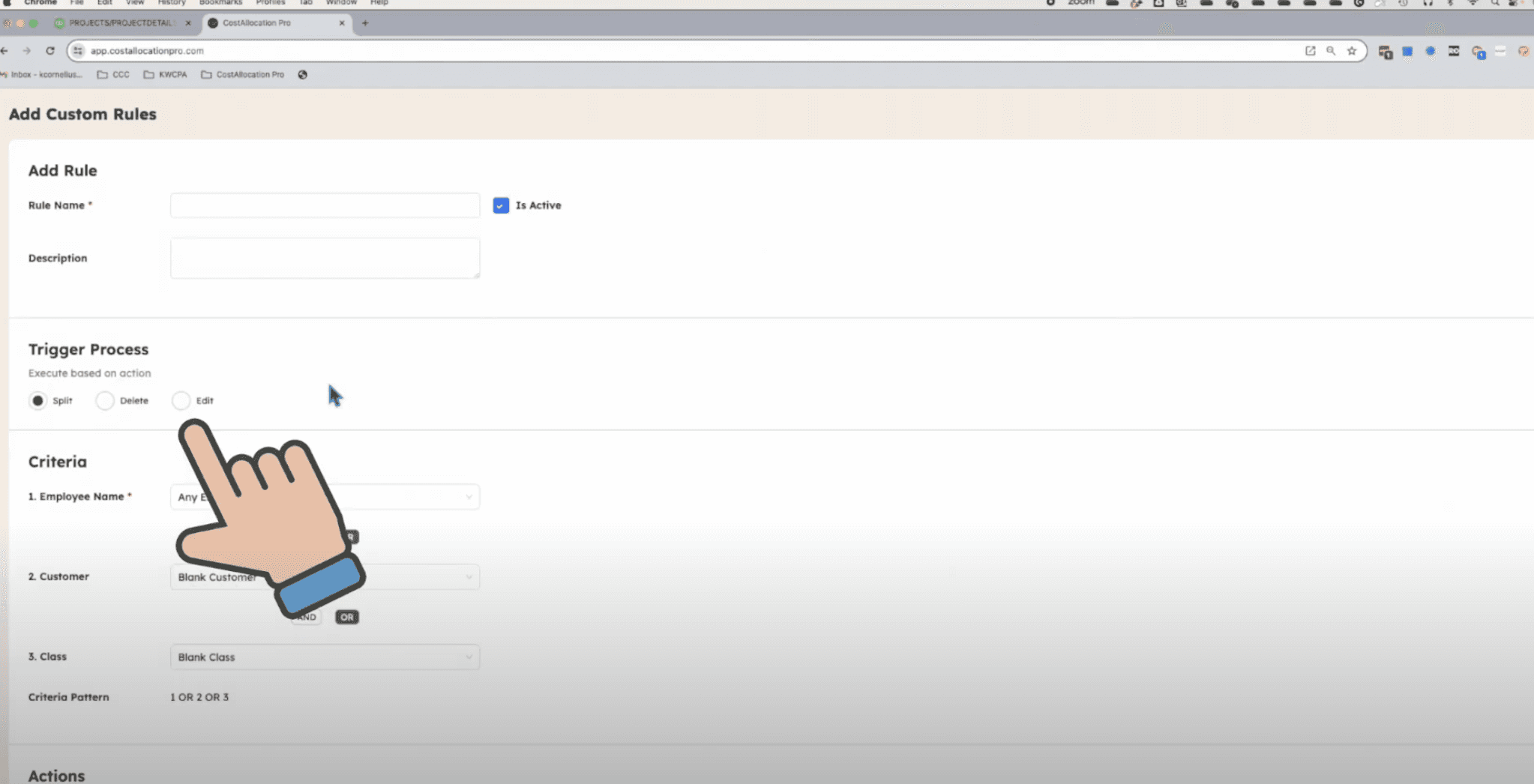
Time Rules handle recurring time-entry corrections automatically.
Preview Journal shows every debit and credit line by employee, Customer, and Class before anything posts. The posted entry carries notes with the pay period, an attached Cost Allocation Report, and its QuickBooks journal number for your audit trail.
A year-end checklist for each client
Write or update the one-page allocation setup for the client.
Confirm the payroll pool cleared in each period this year. Investigate any balance left behind.
Review fixed-percentage splits with the client during year-end planning.
Refresh burden estimates for 2027 if the client uses them for pricing or budgets. Our labor burden guide walks through the math.
Set up new 2027 jobs, grants, and contracts in QuickBooks Online before January time arrives.
Agree on cadence and deadlines for the new year: who prepares, who reviews, and when entries post.
If you'd like to see how this works across a client list, book a demo or start a 14-day free trial.
This article is educational and isn't accounting, tax, or audit advice. Payroll rules, wage bases, and reporting requirements vary, so confirm the details for each client with the appropriate professional.